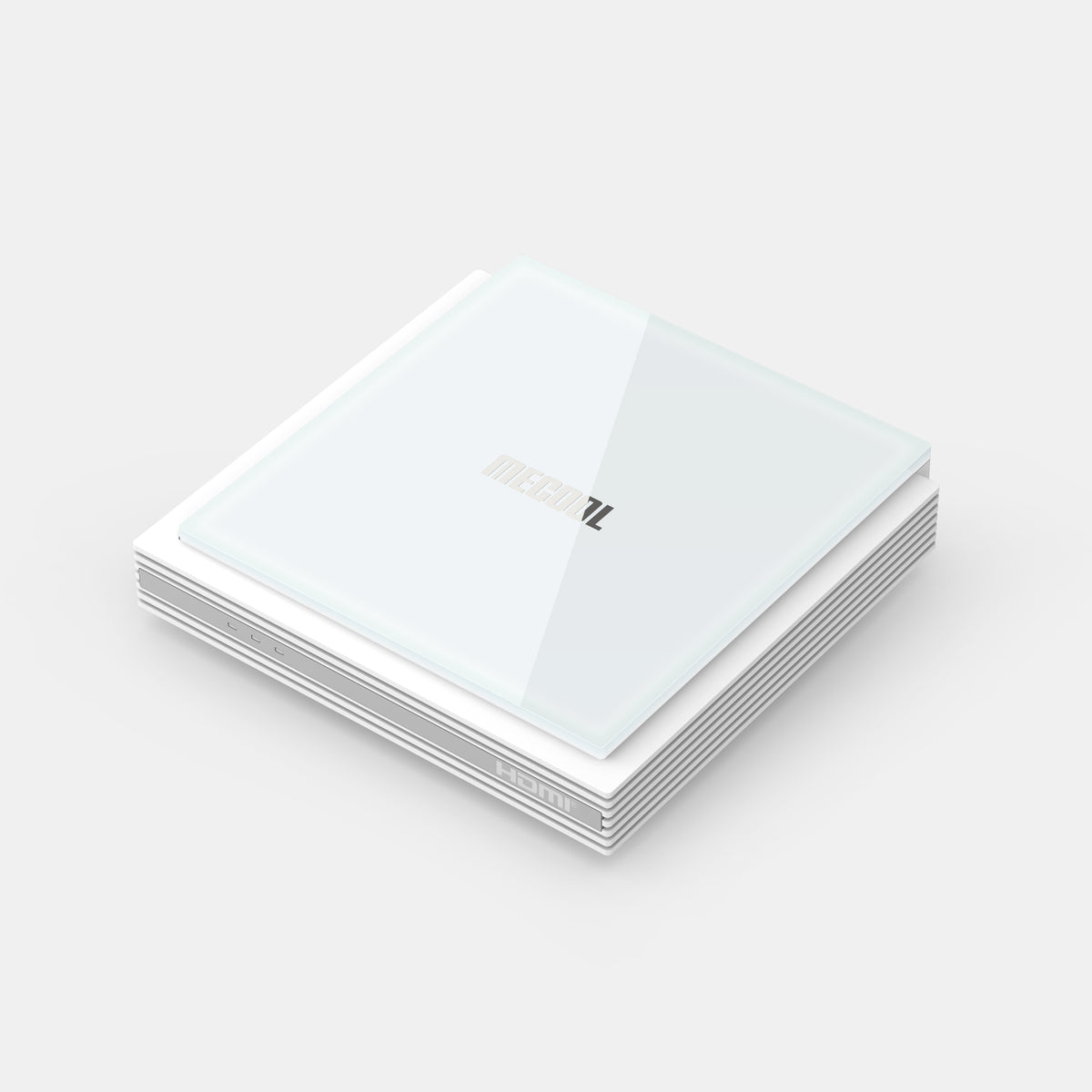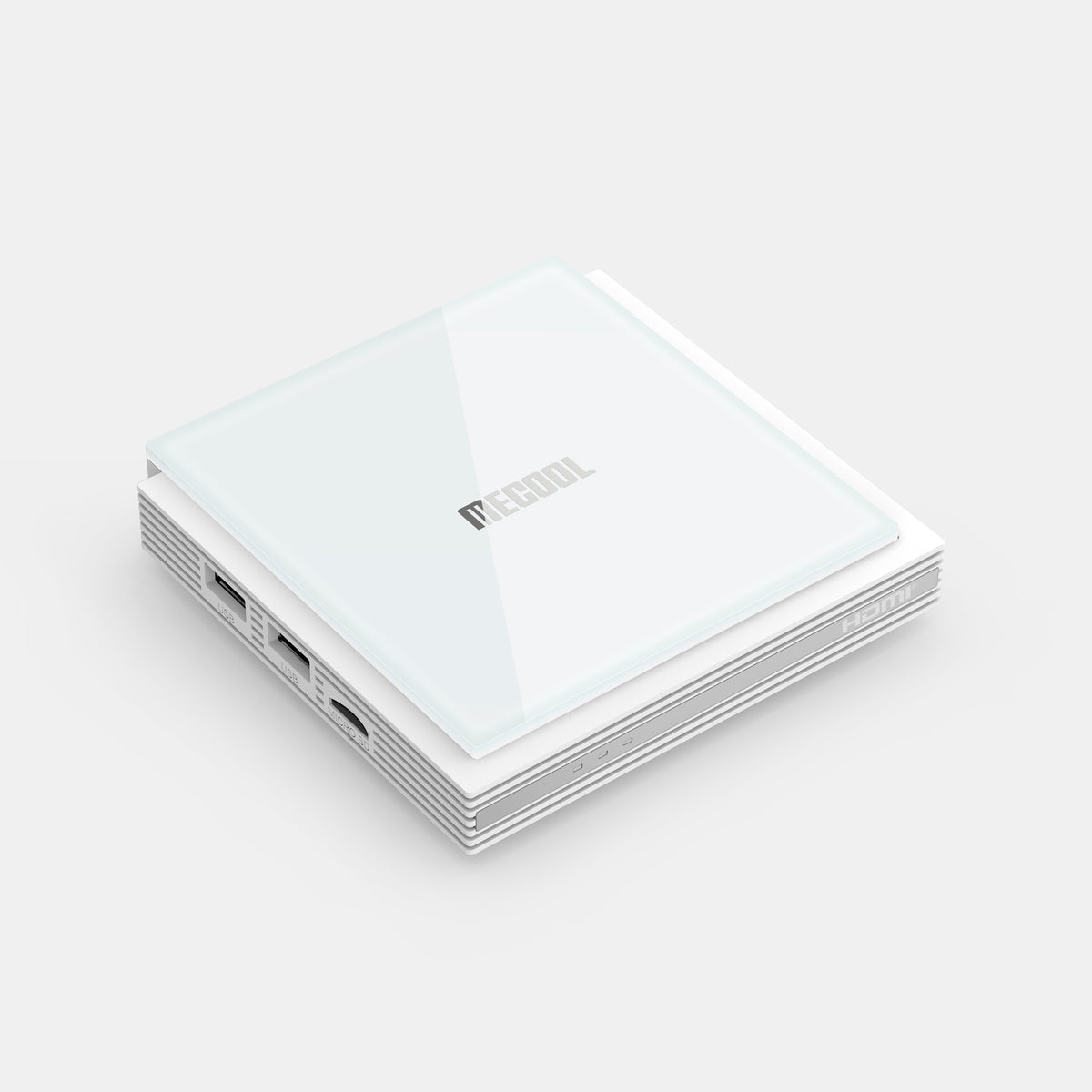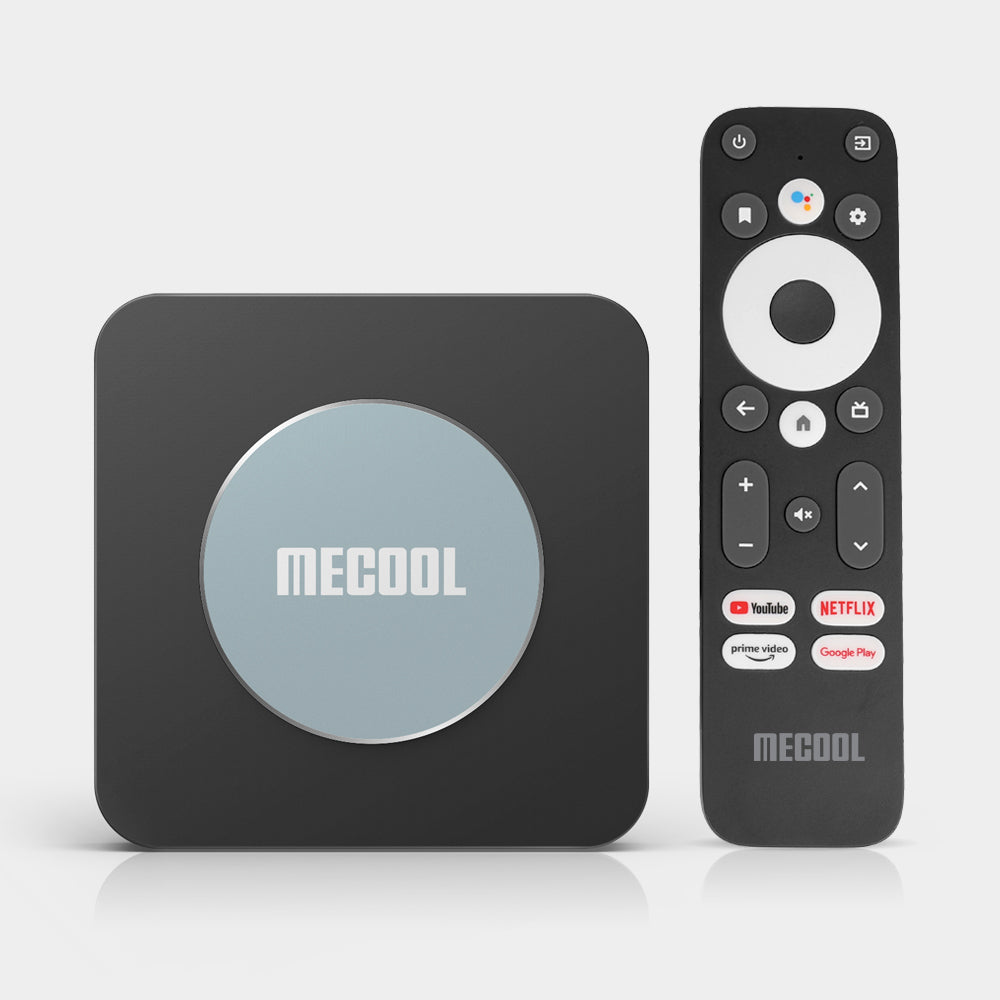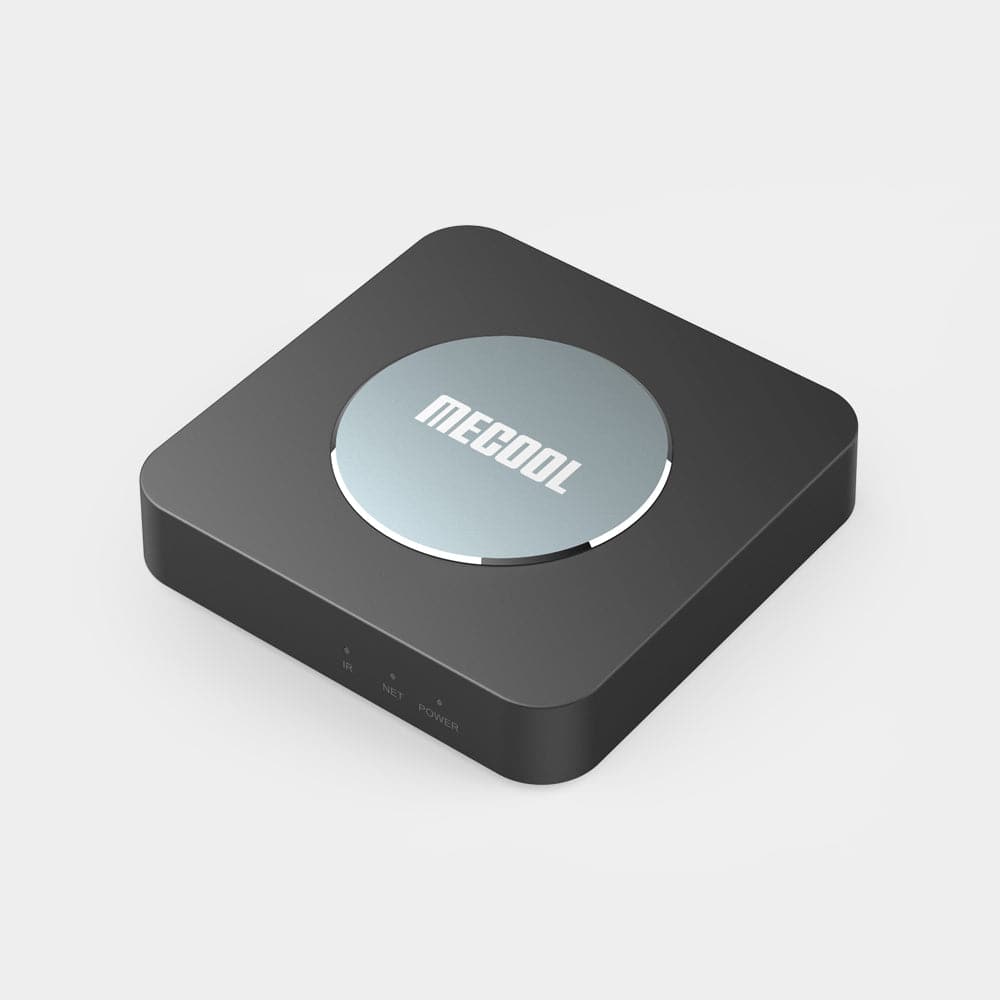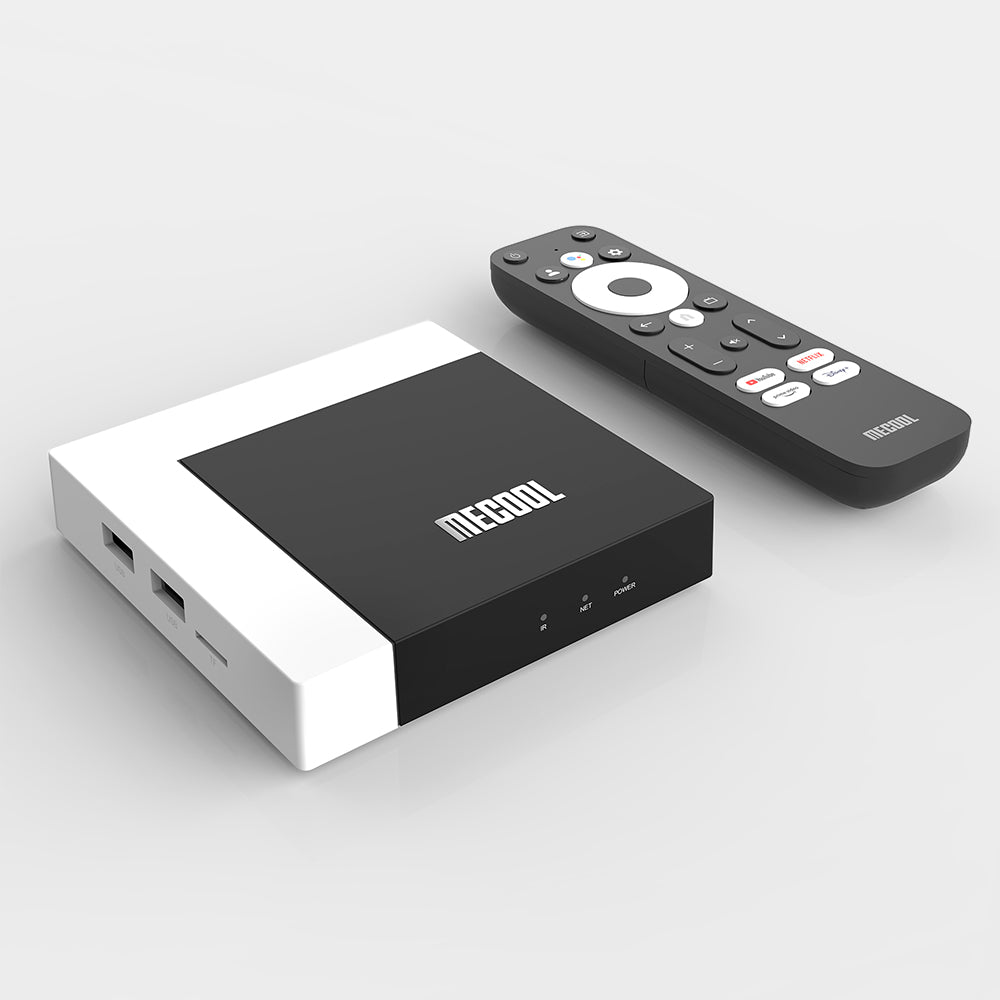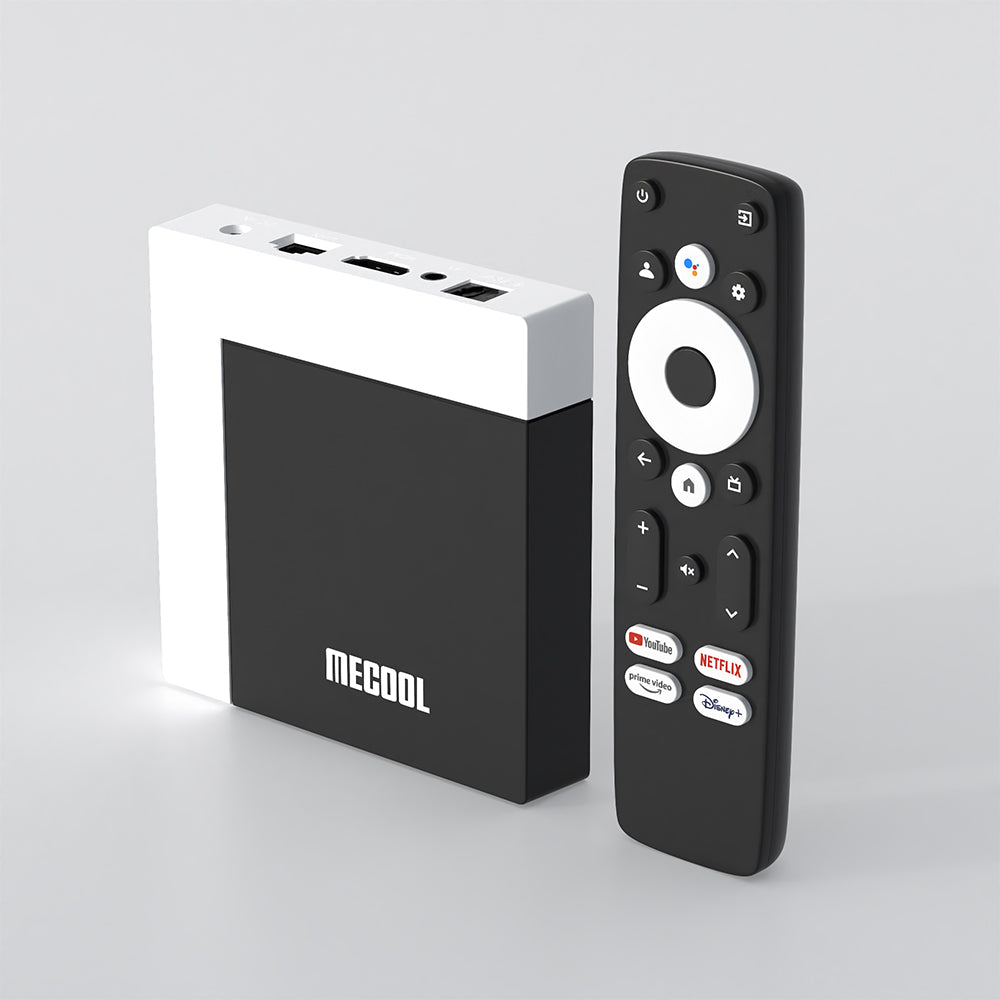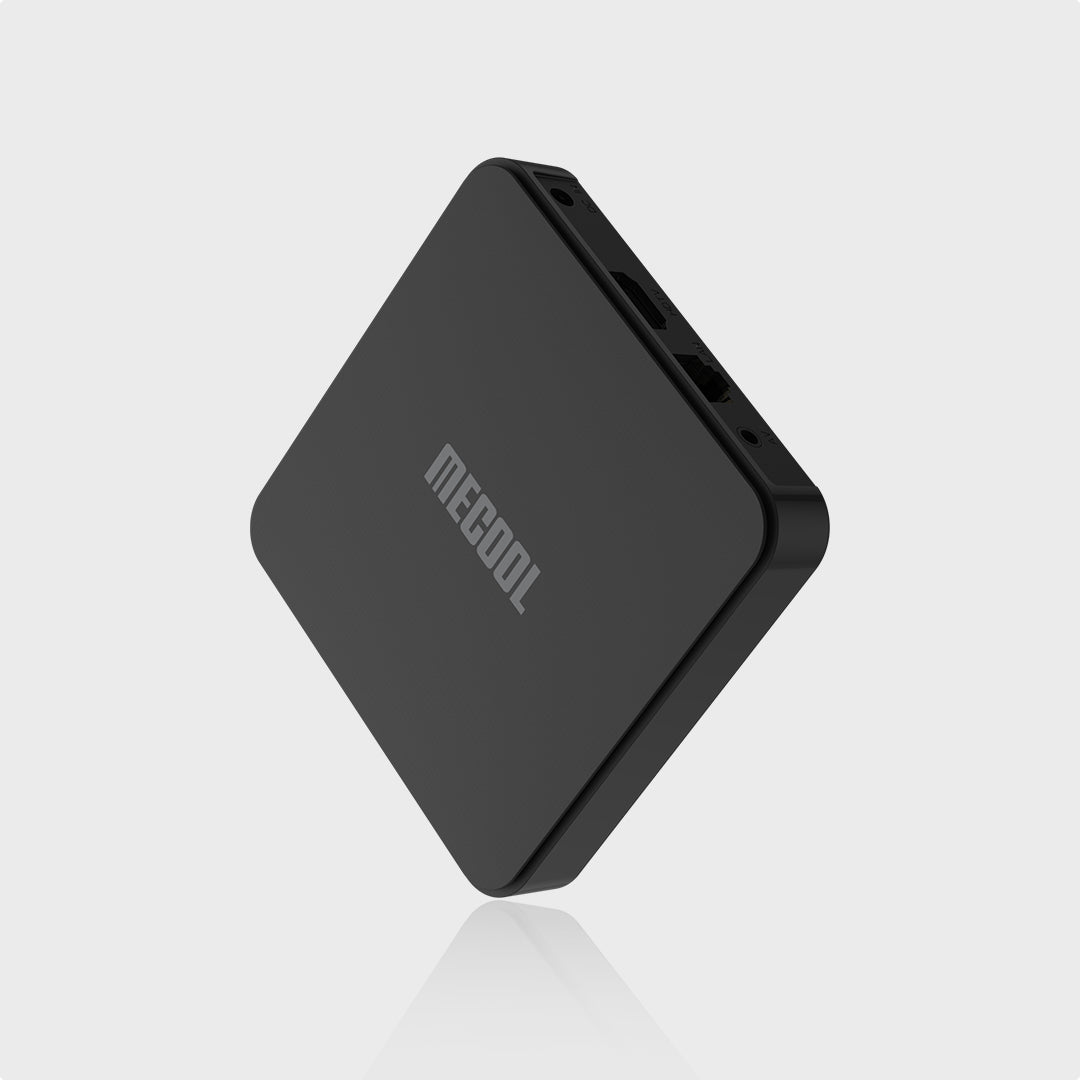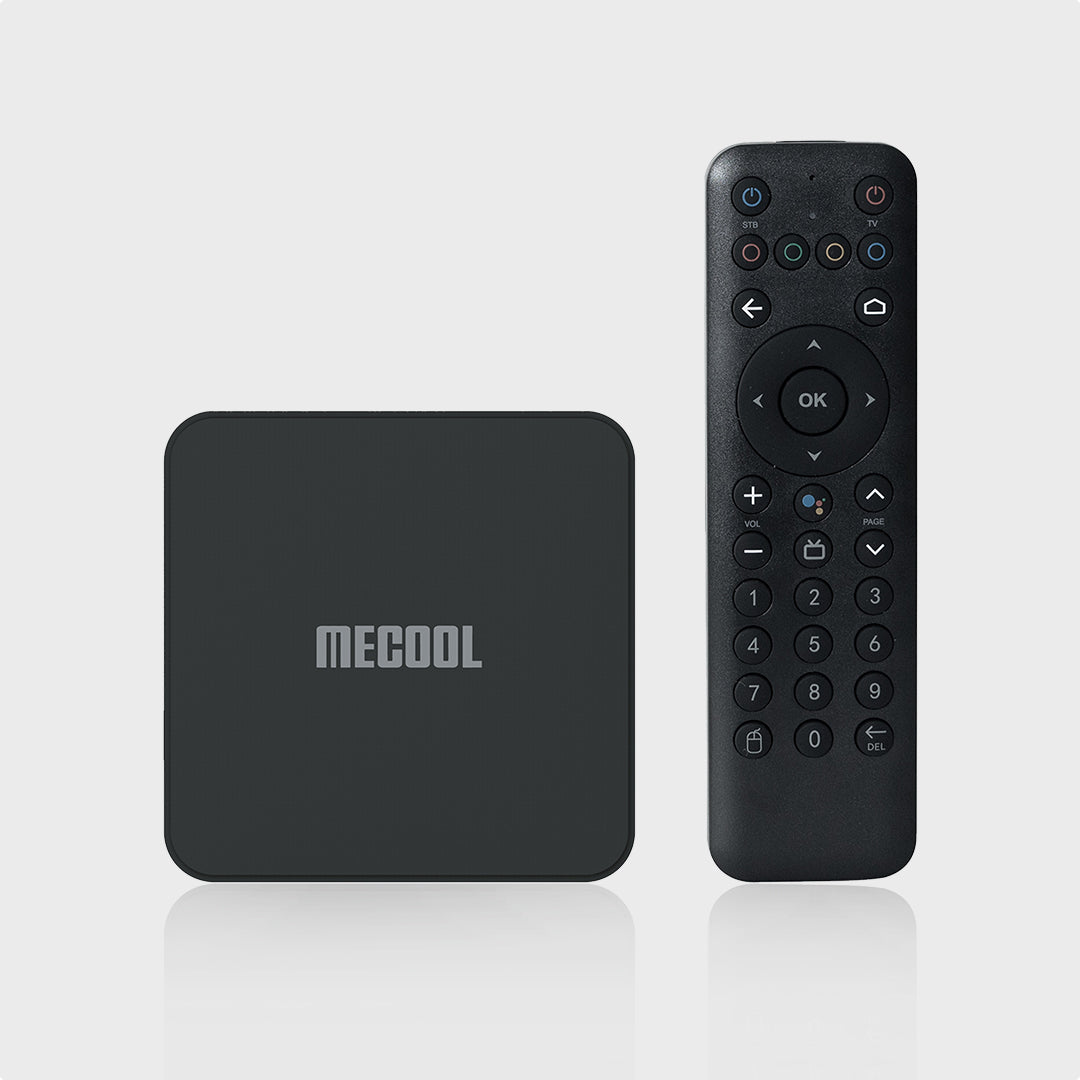

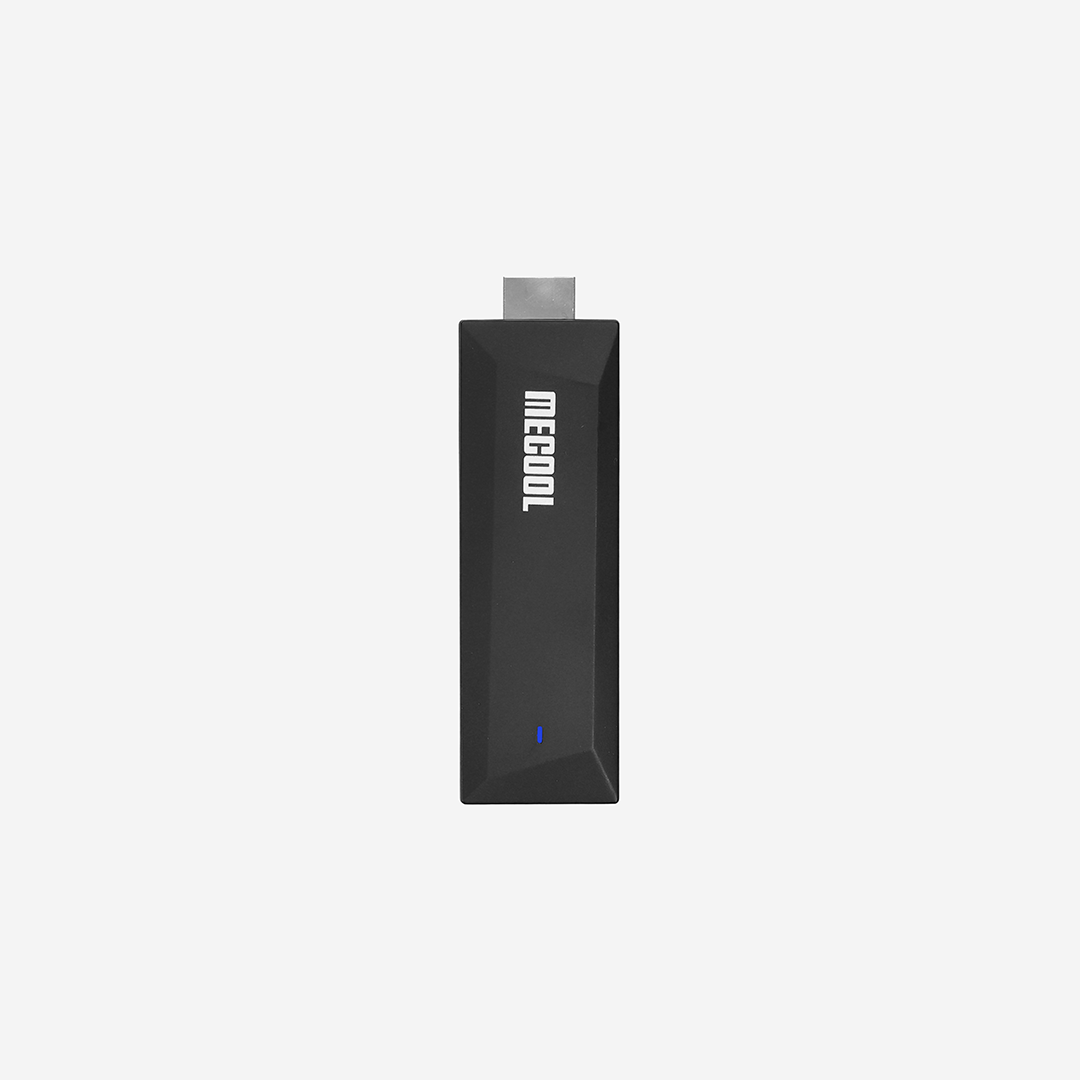


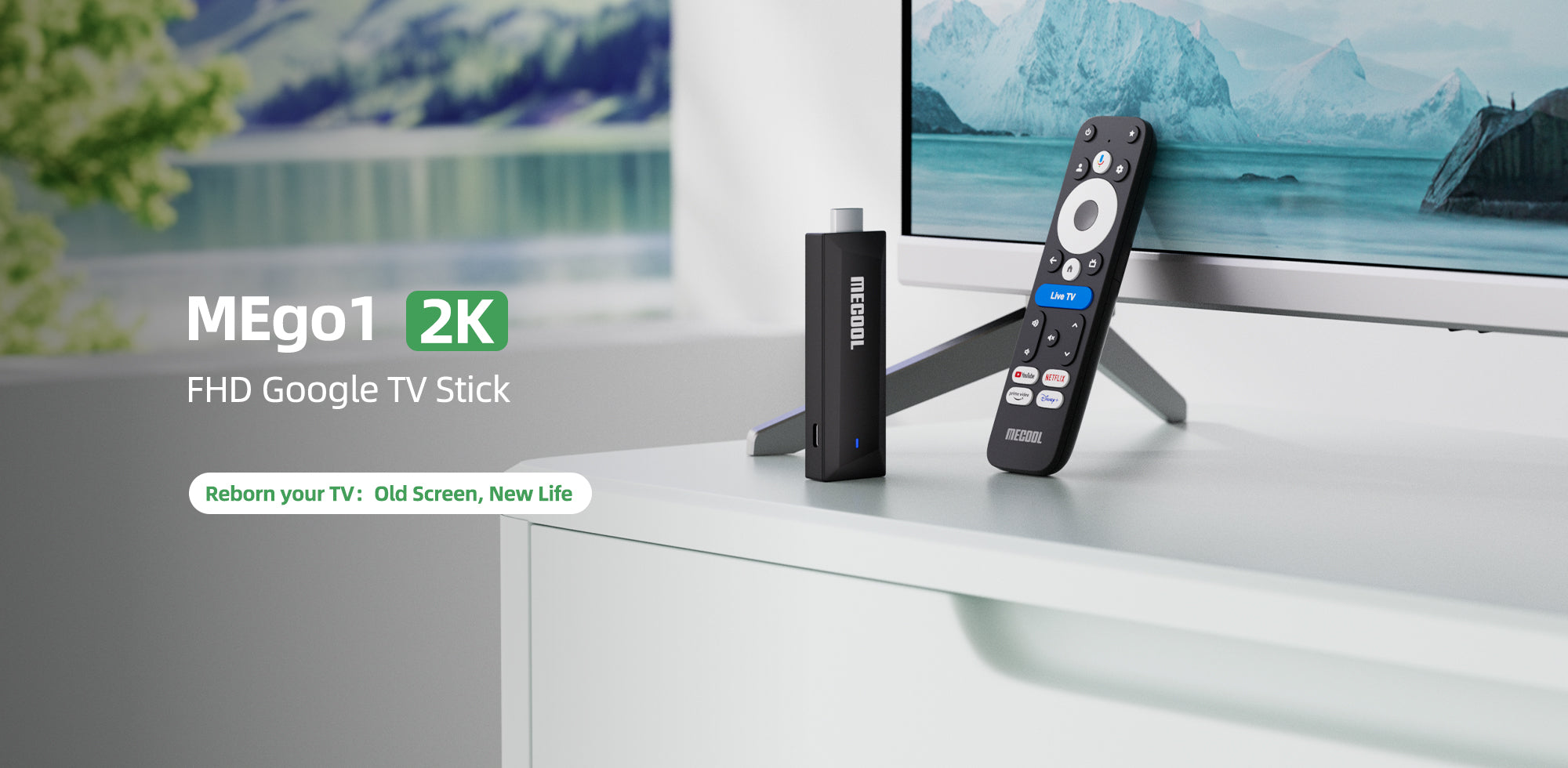
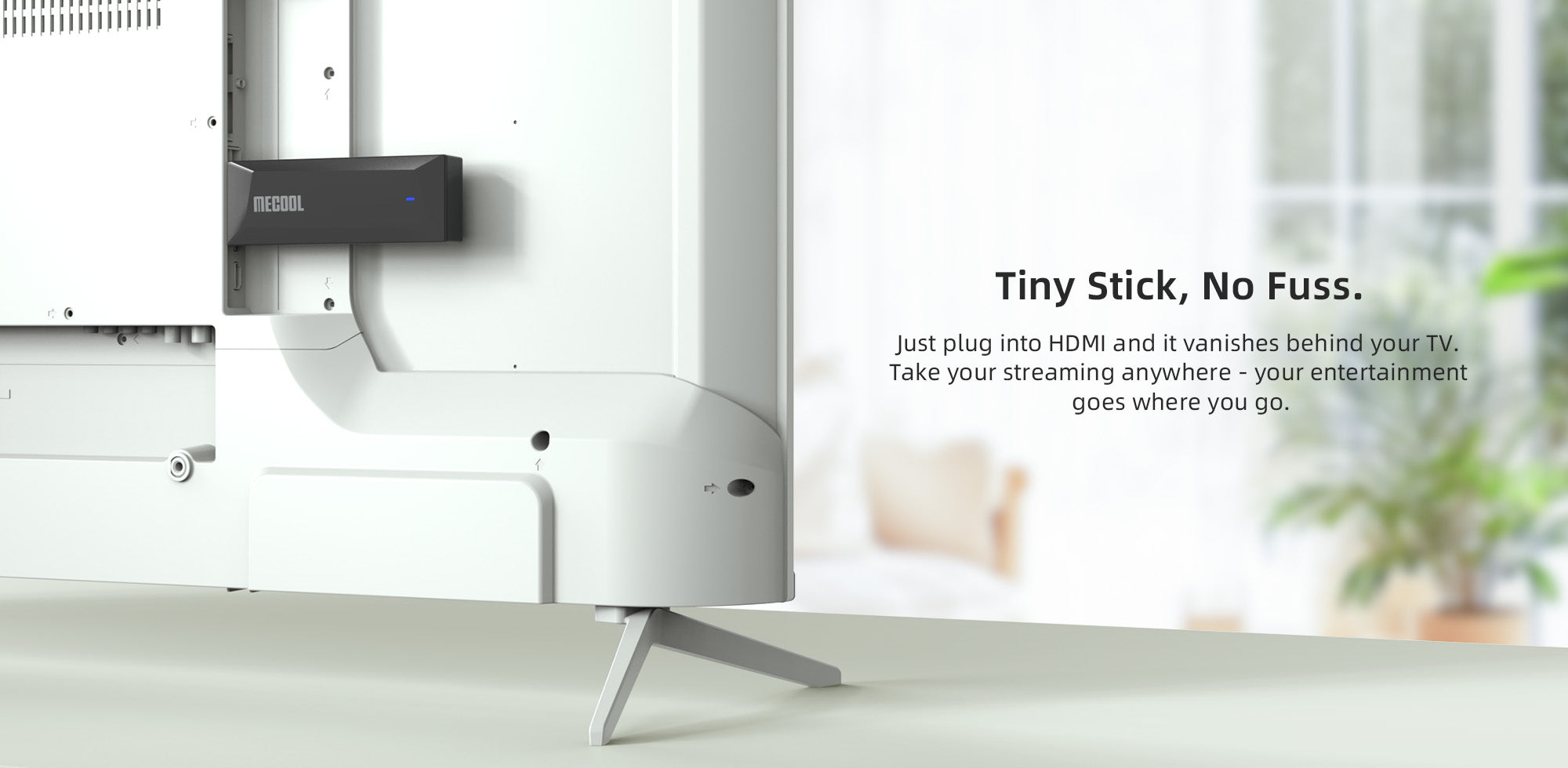
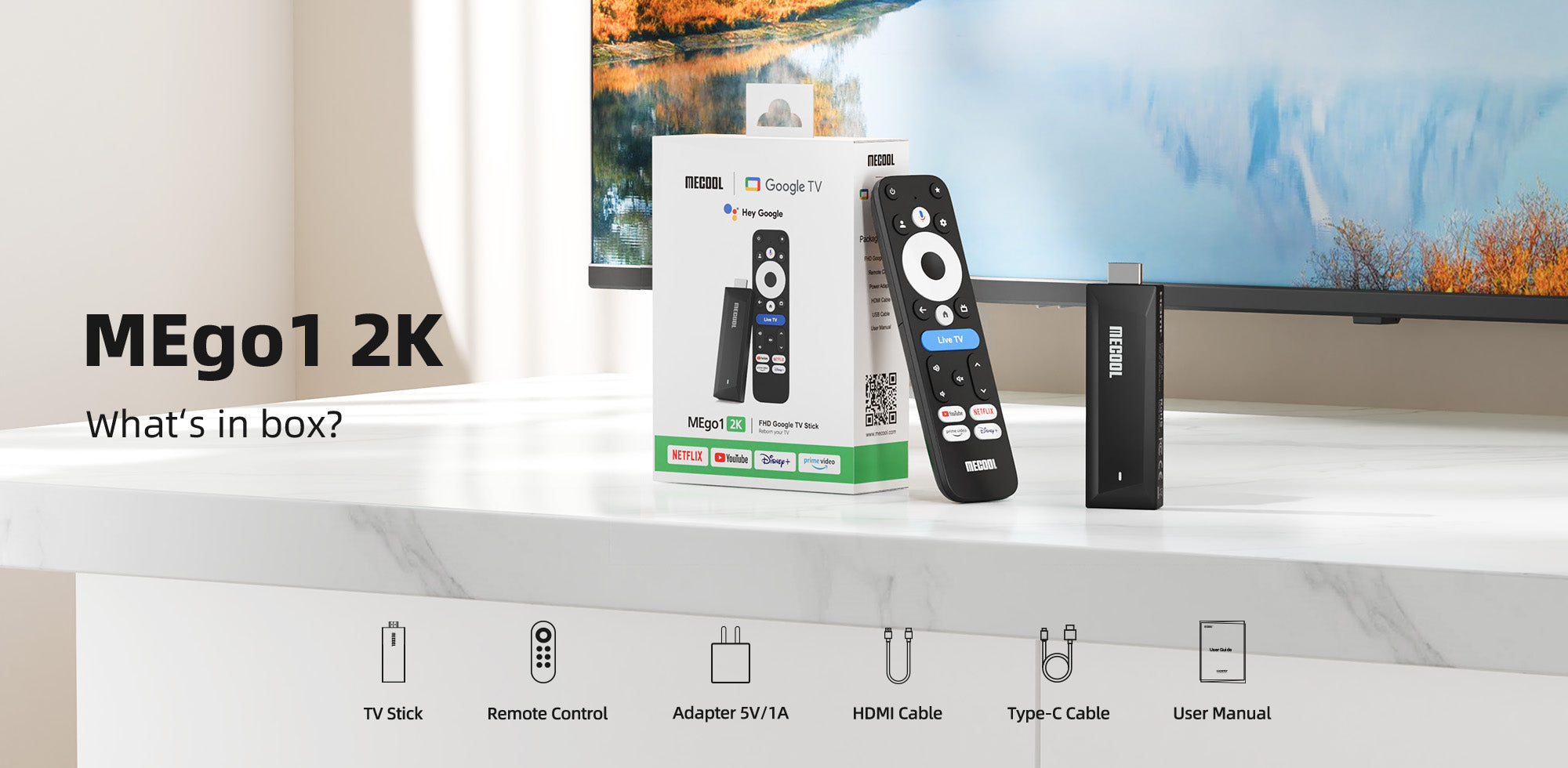
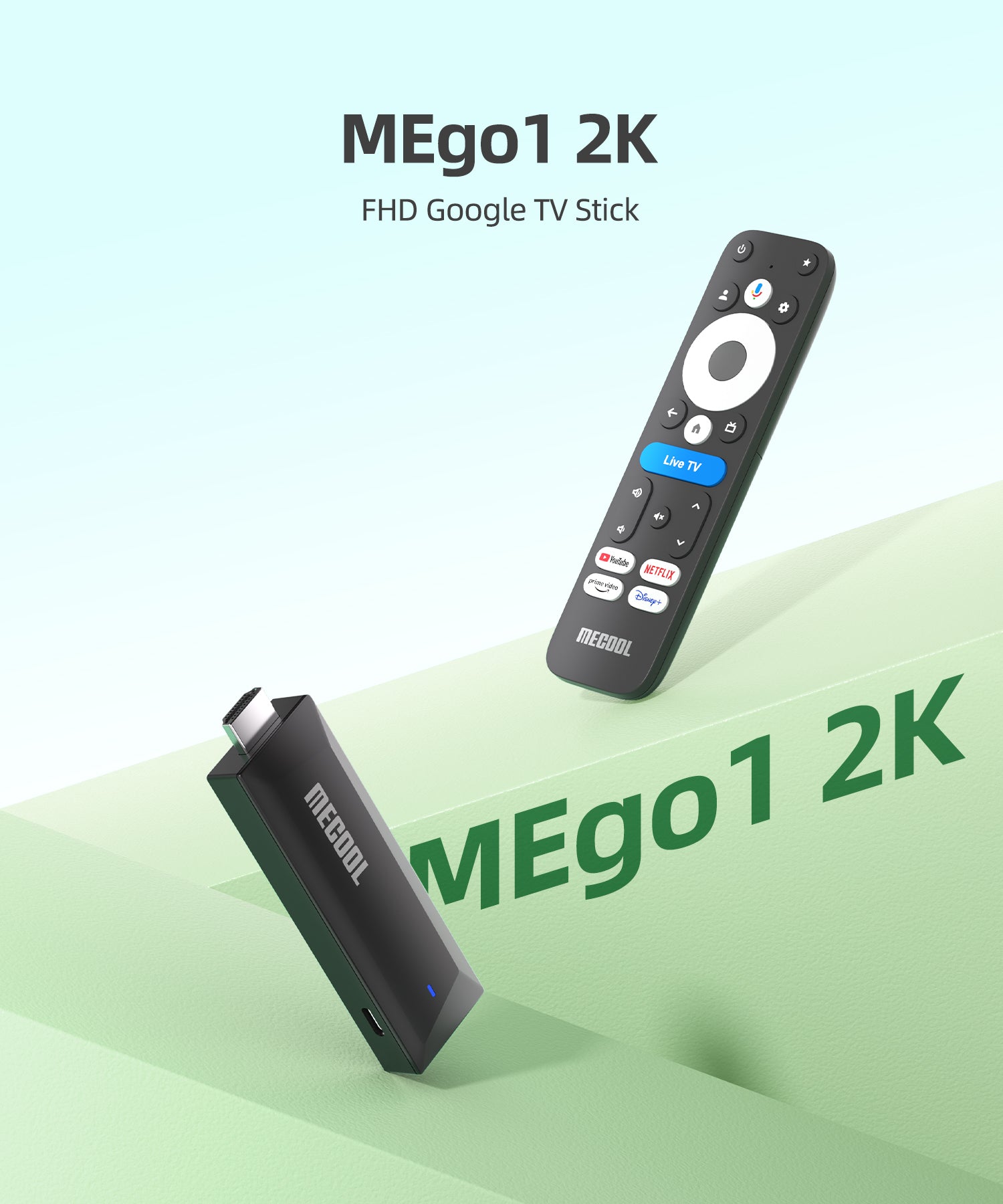
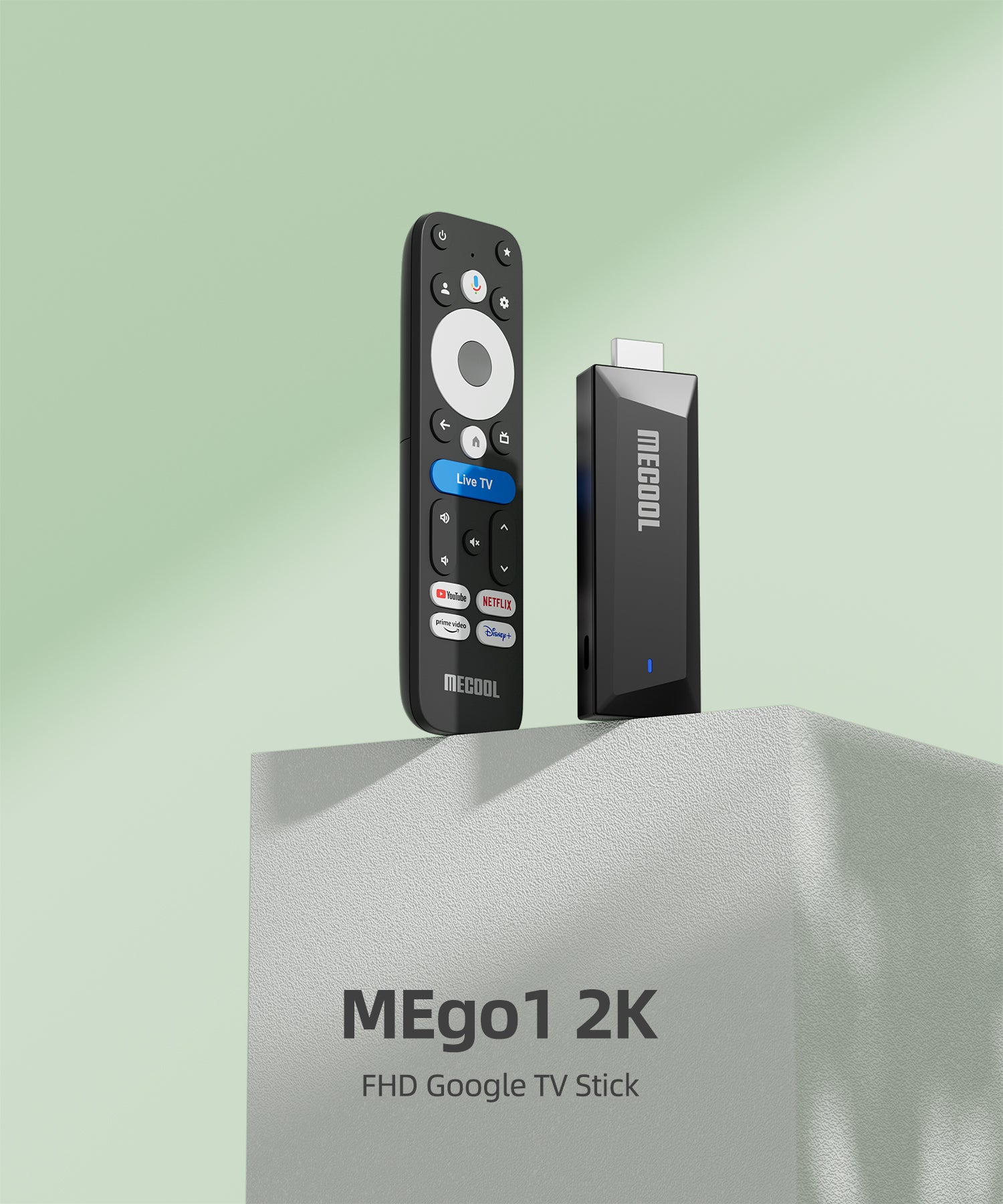
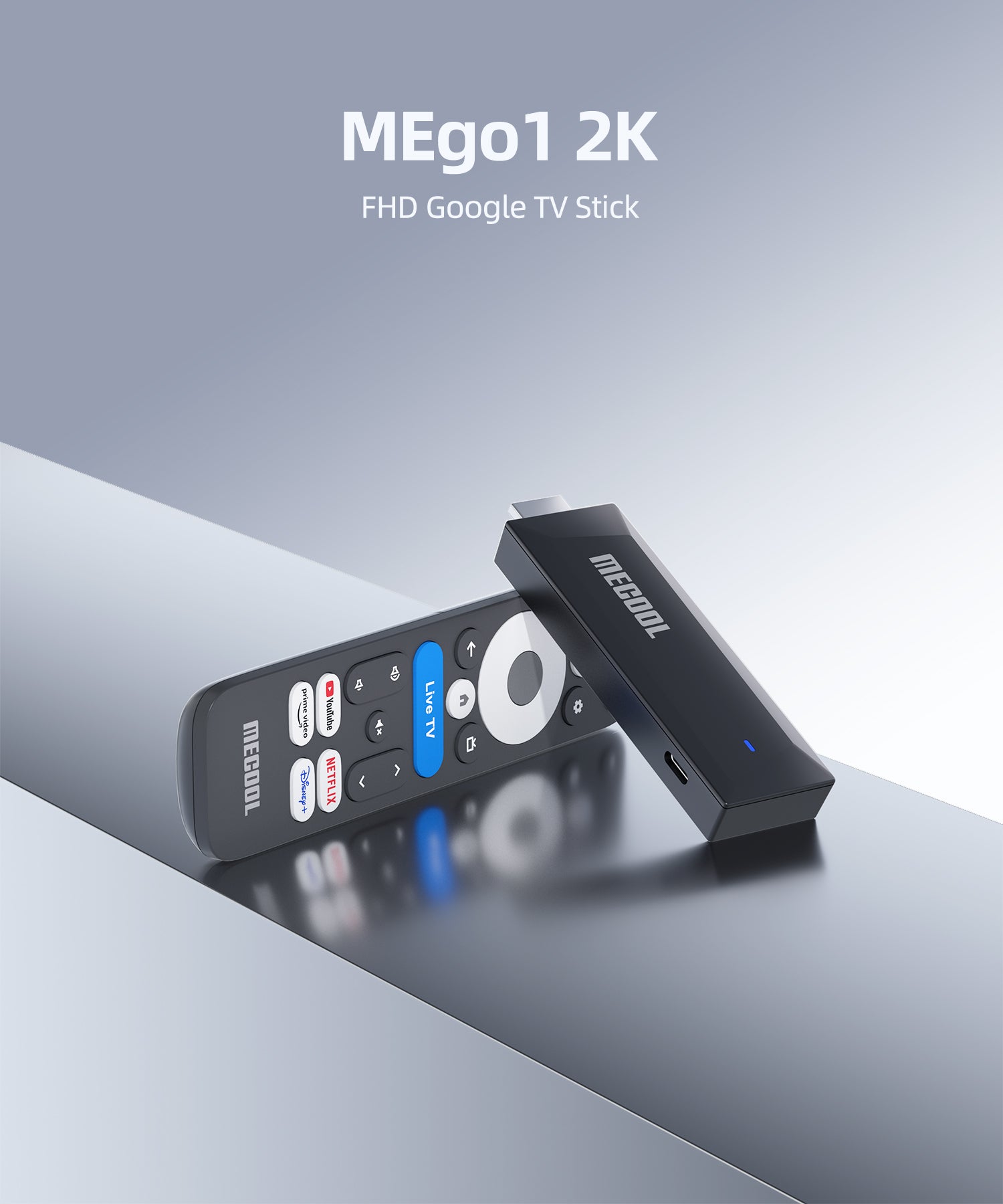
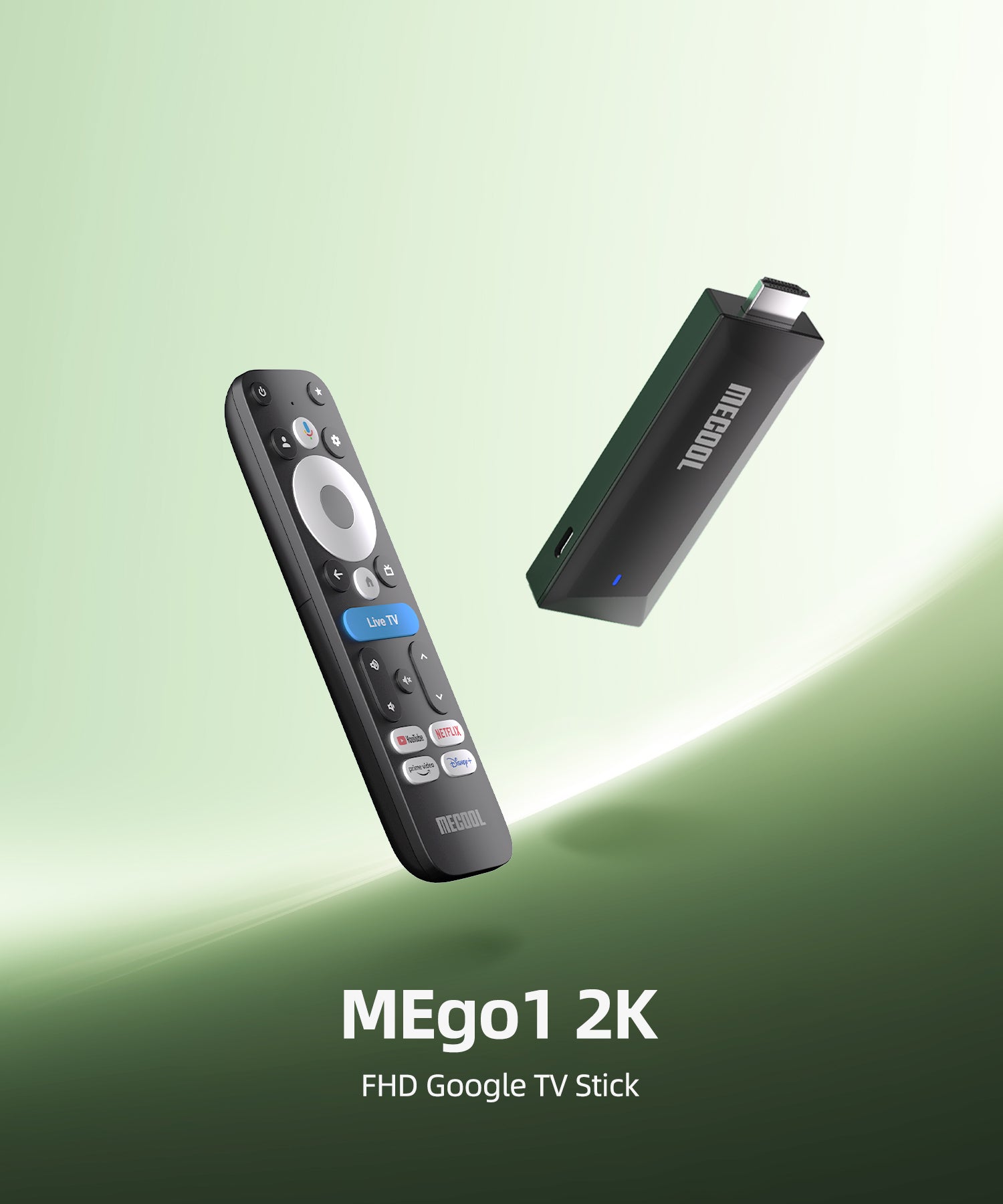
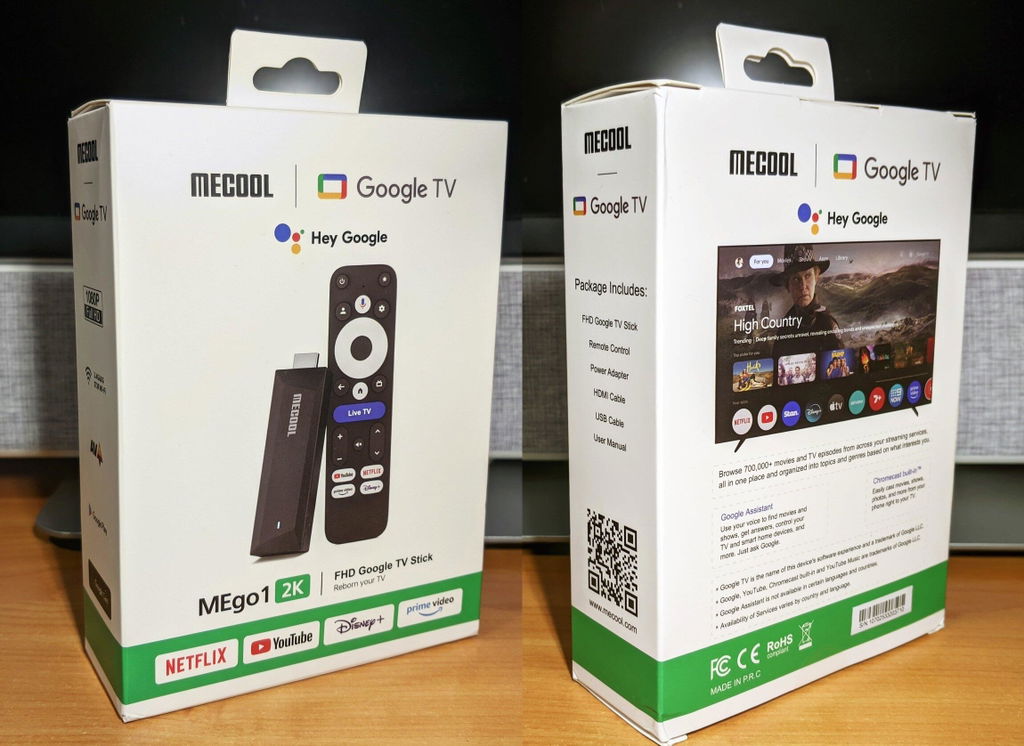
MECOOL MEgo1 2K FHD Google TV Stick
Google TV 14 powered Google TV stick for TV.
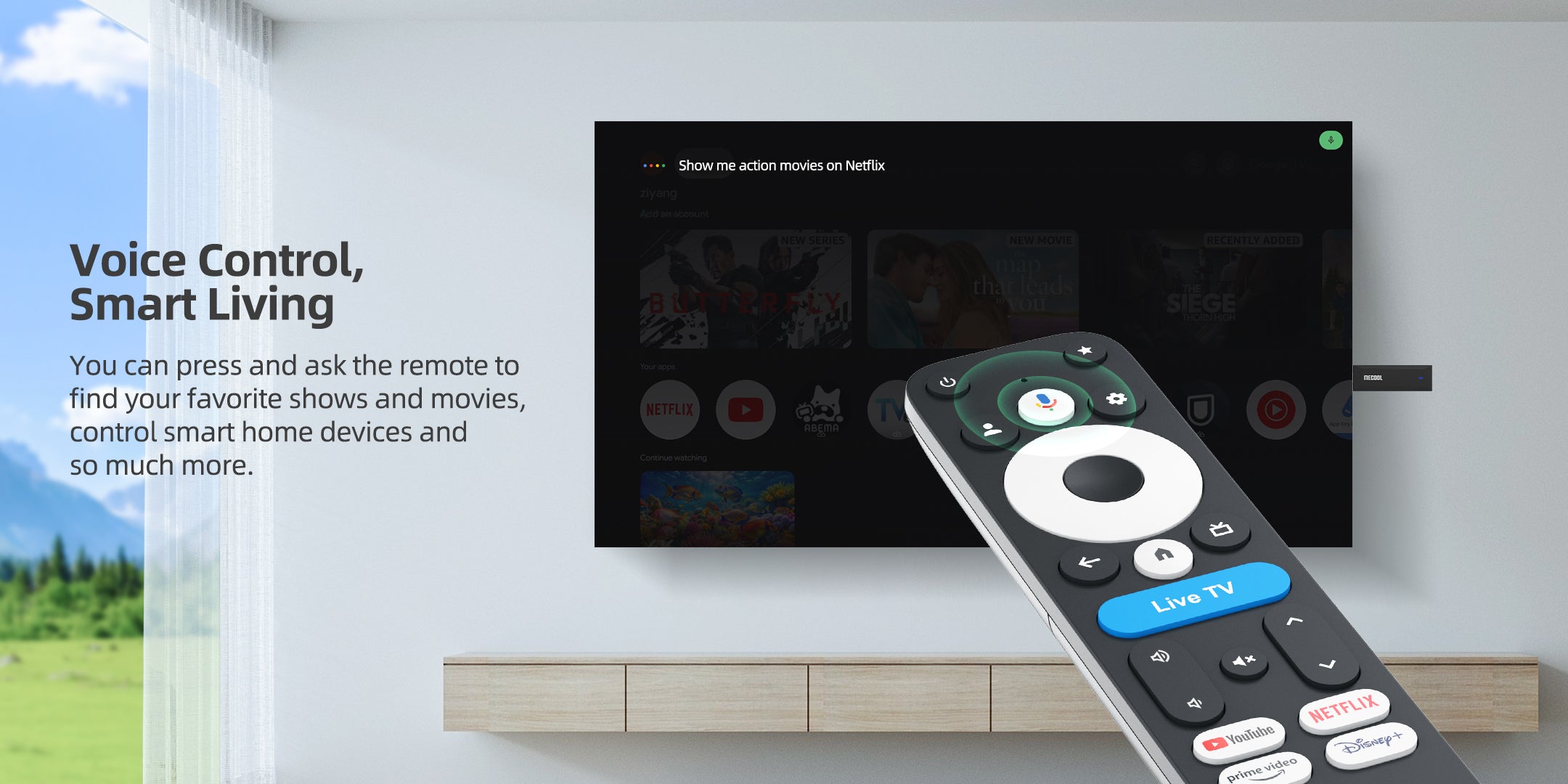
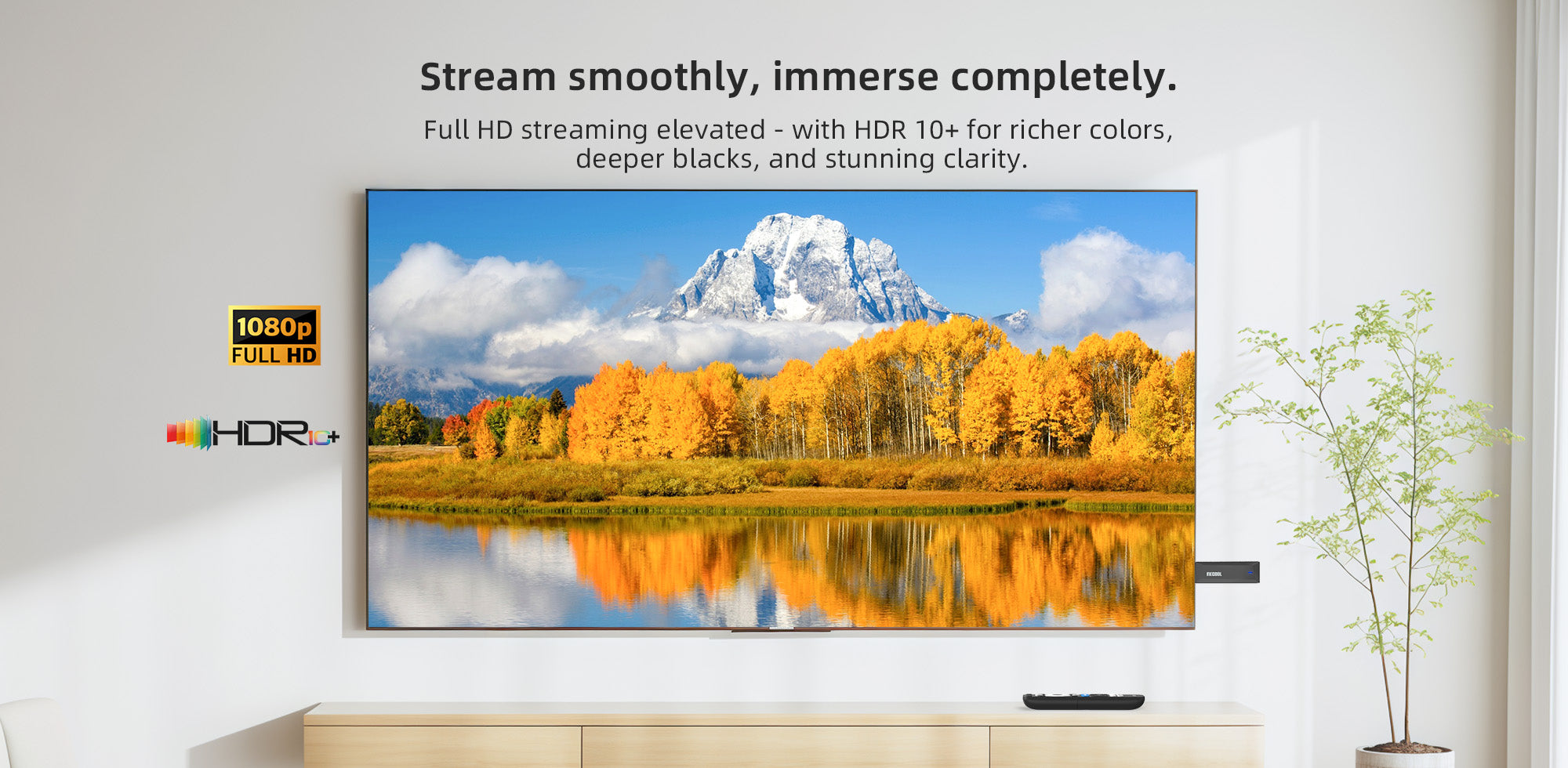
- Support Google Cast, Google Play, Hey Google
- Personalized Entertainment: Increased programmable shortcut key
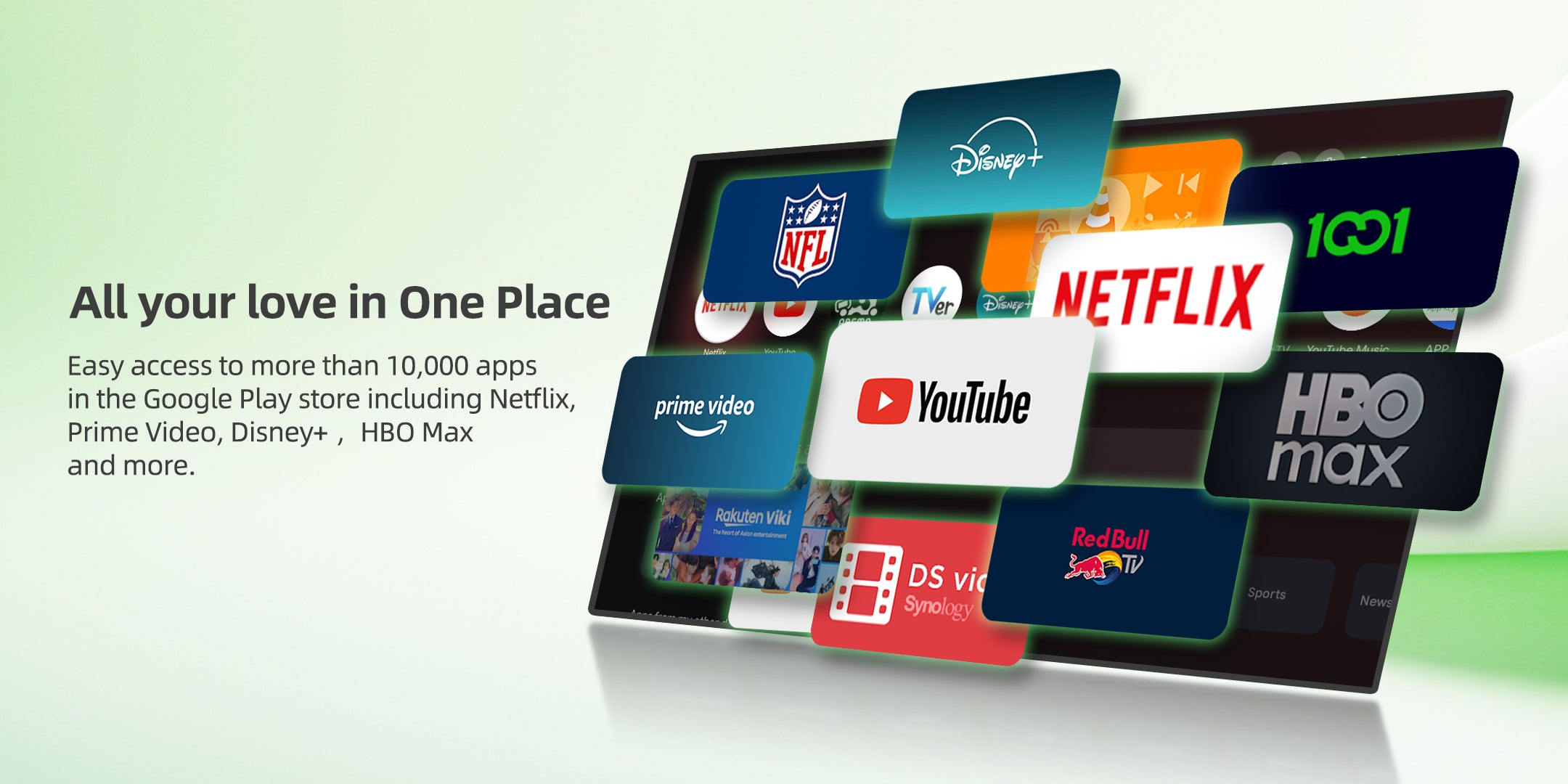
- Certified Netflix, Prime Video, Youtube, Disney+
- AI-Powered Clarity: Never miss a detail with latest tech AI-PQ and AISR
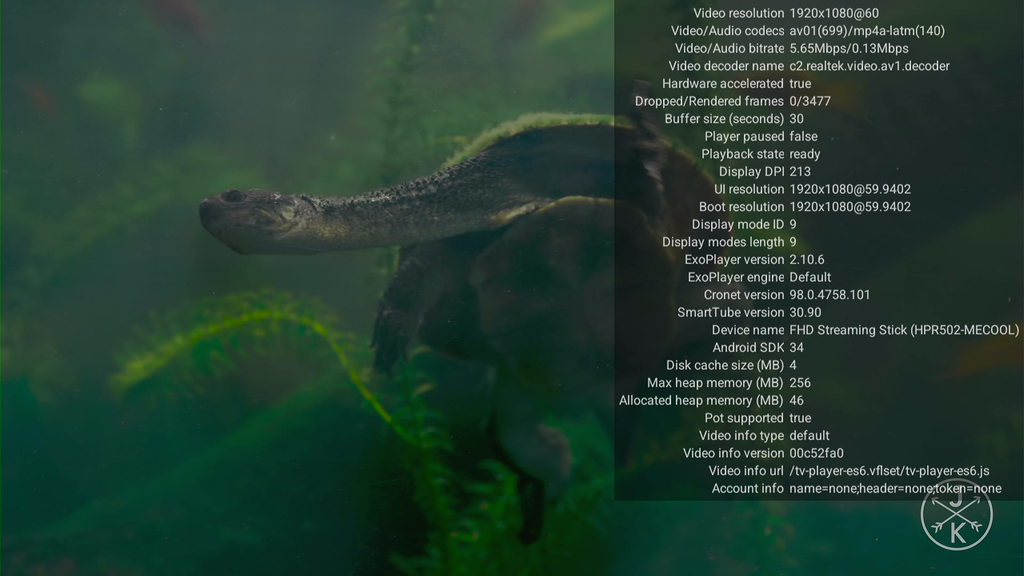
- RTD1332, 1GB & 8GB, AV1, HDR 10+

Google TV 14: support Google Cast, Google Play, Hey Google.

Personalized Entertainment

Smart Parental Controls, Worry-Free Viewing

Increased programmable shortcut key Live TV to open your favorite apps.

Fine-tune brightness, contrast, and colorsfor optimized streaming.

Personalized Screensavers with Google Photos.
Powerful Feature

Optimized task scheduling and strict memory control work together to reduce lag and boost speed.

AI-Powered Clarity: Never miss a detail with latest tech AIPQ and AISR.

Enhance Your Streaming Experience with Dual-Band, Dual-Antenna Wifi Technology.
Next-Level Chipset RTD 1332, enjoy 25% more powerful performance and 200% faster experience.

Let's Play
FAQ
Yes. You can install third-party APKs from a USB drive using a file manager app, provided you have an OTG cable.
To do this, you will need to enable Developer Options in the system settings first.
In the US region, this button opens the Live TV broadcast. In other regions, it functions as a customizable shortcut key that you can set to open a specific app.
Navigate to Settings > Display & Sound > Match content dynamic range, and toggle it On or Off.
Go to Settings > Display & Sound > Surround sound settings. You can choose between Automatic, None, or Manual.
Customer Reviews
Excellent TV stick! Very productive, fast, and the image quality is excellent. Even though it only has 1GB of RAM, it simply flies!
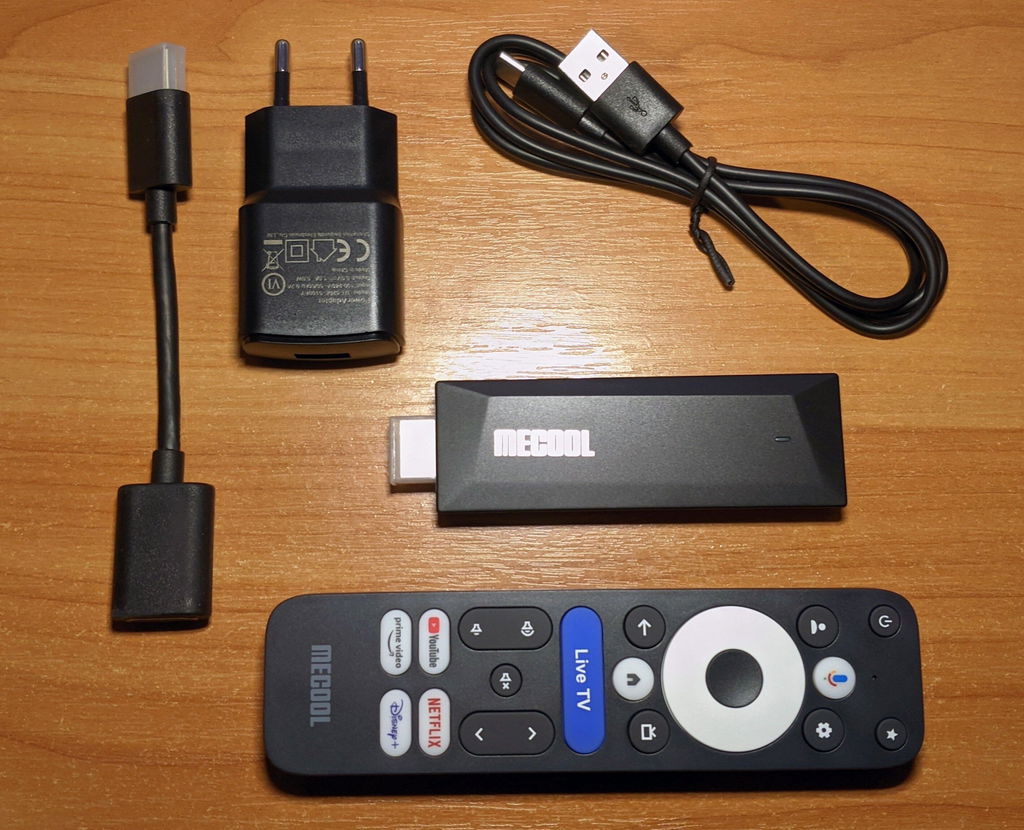
Very fast. Was retrieve my operator fast. I’m very happy