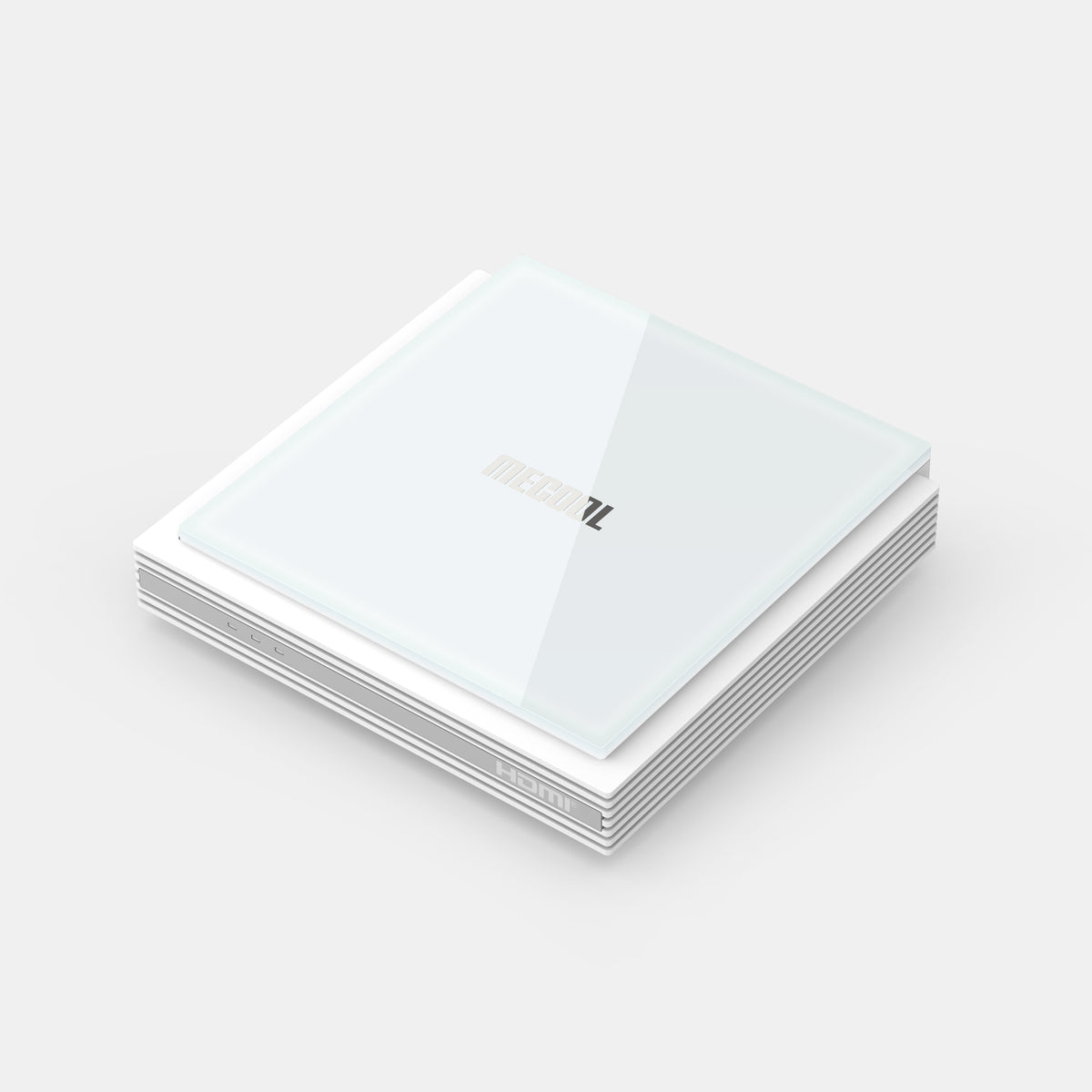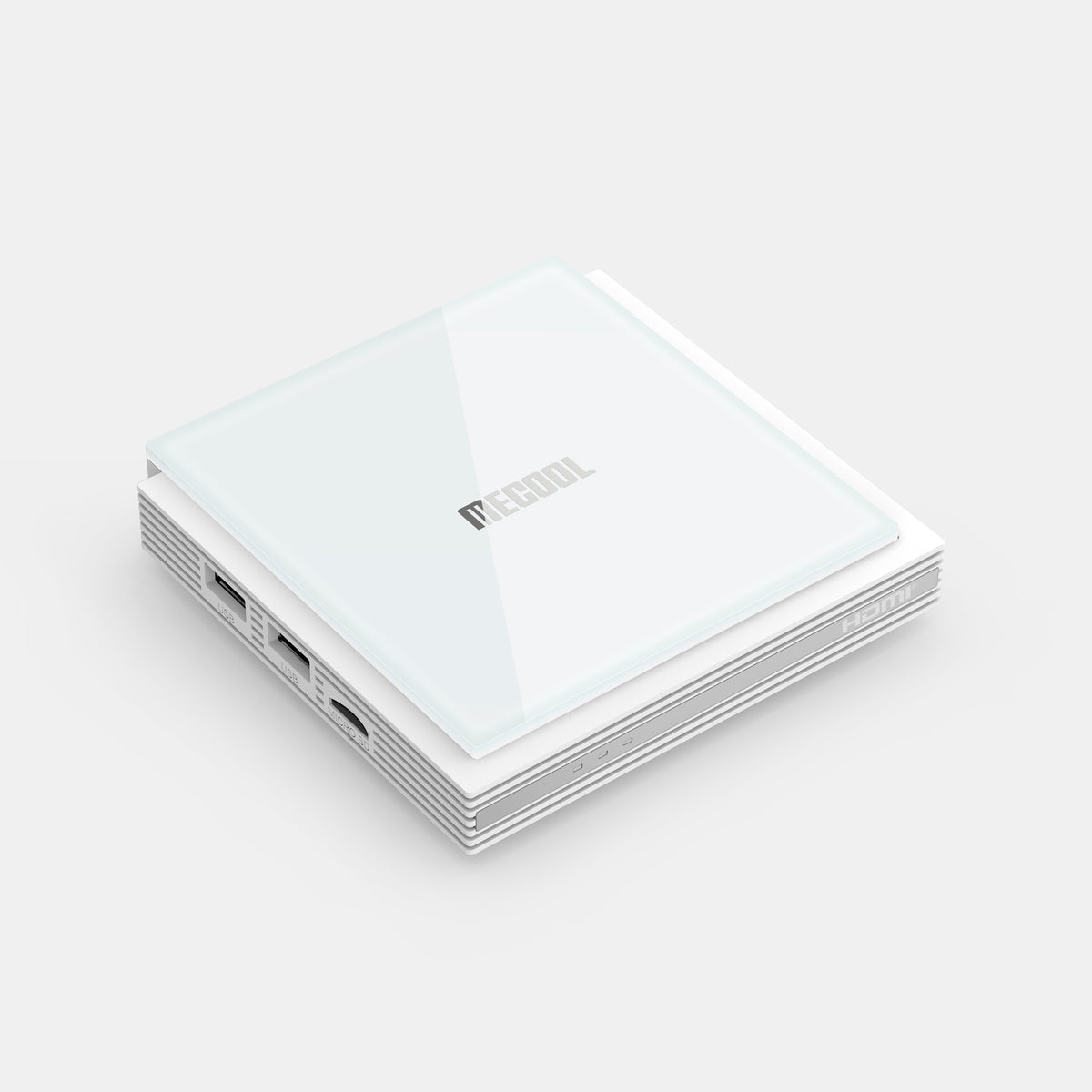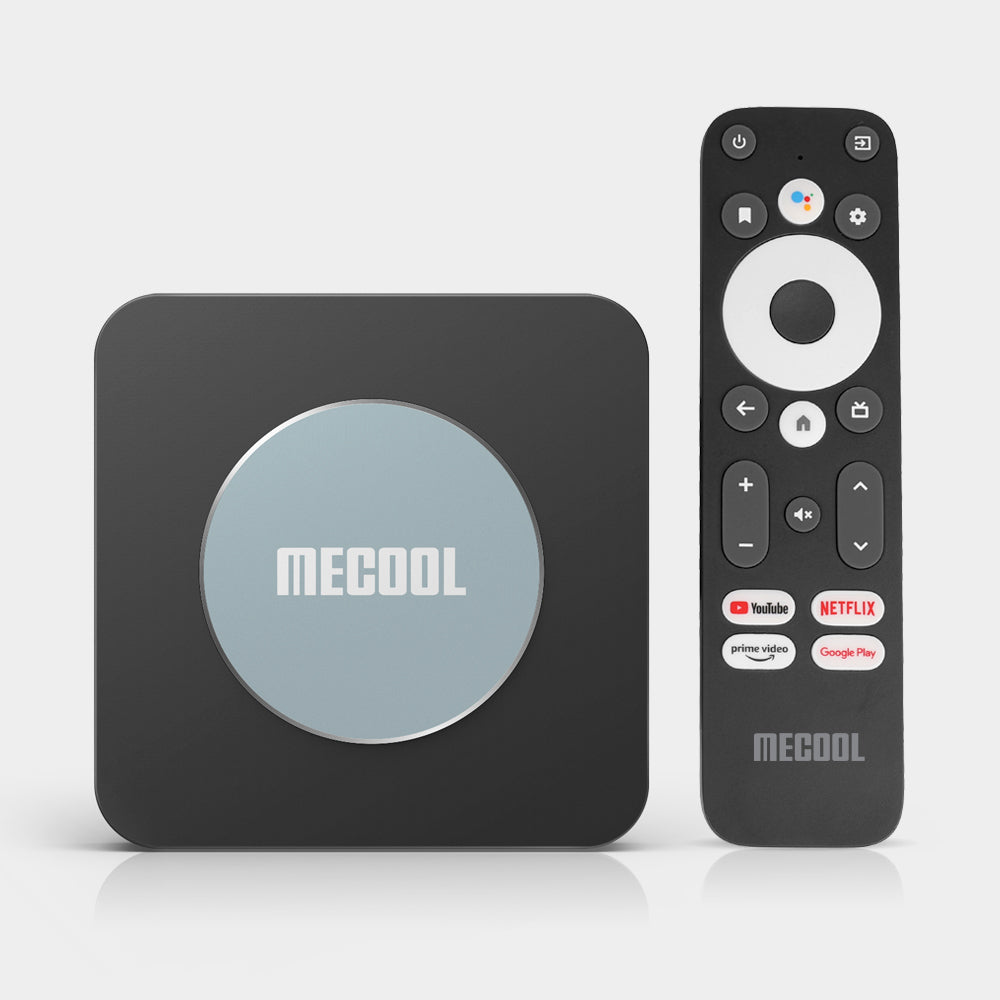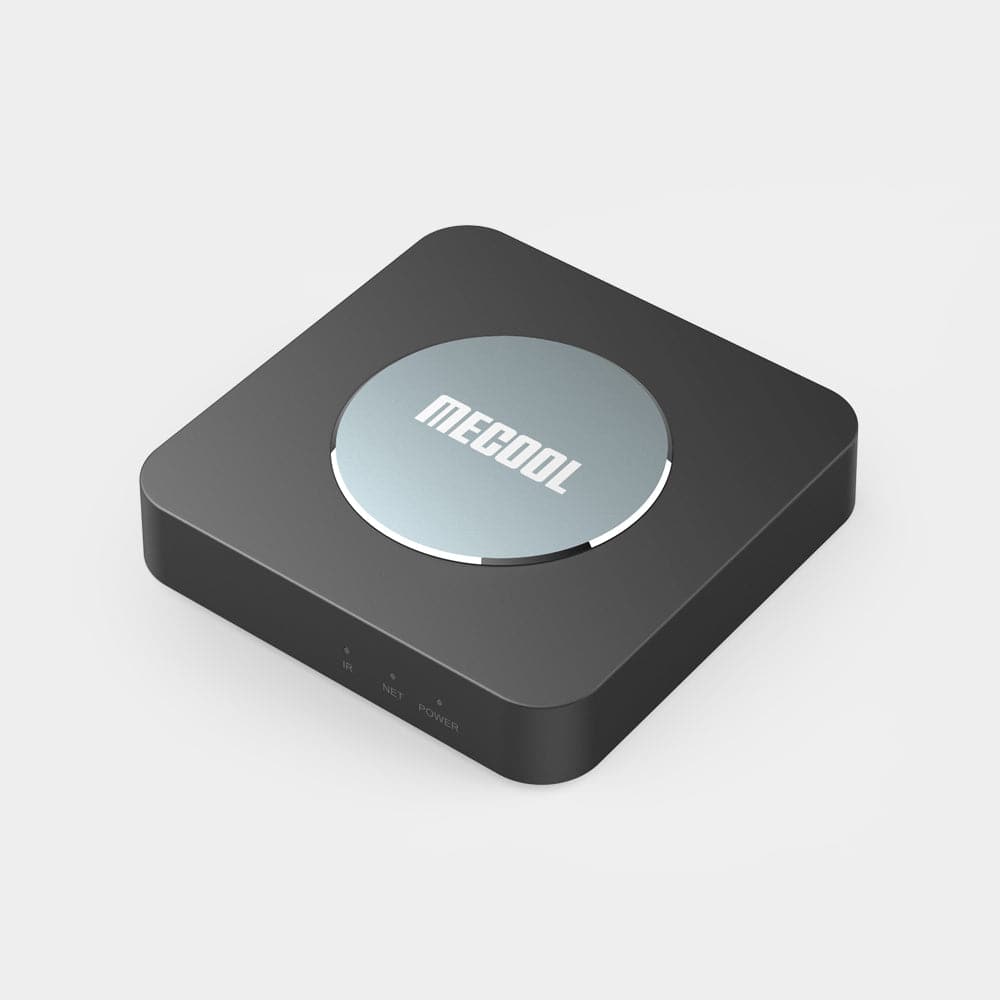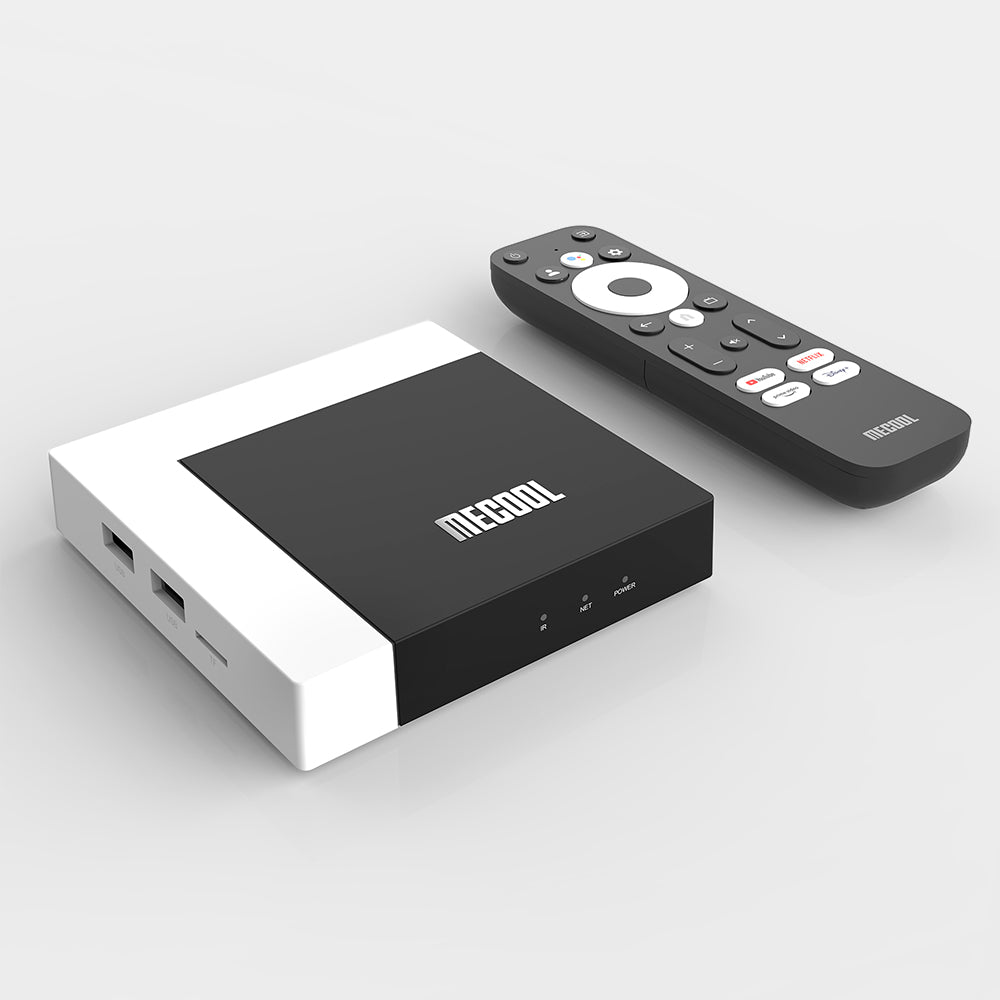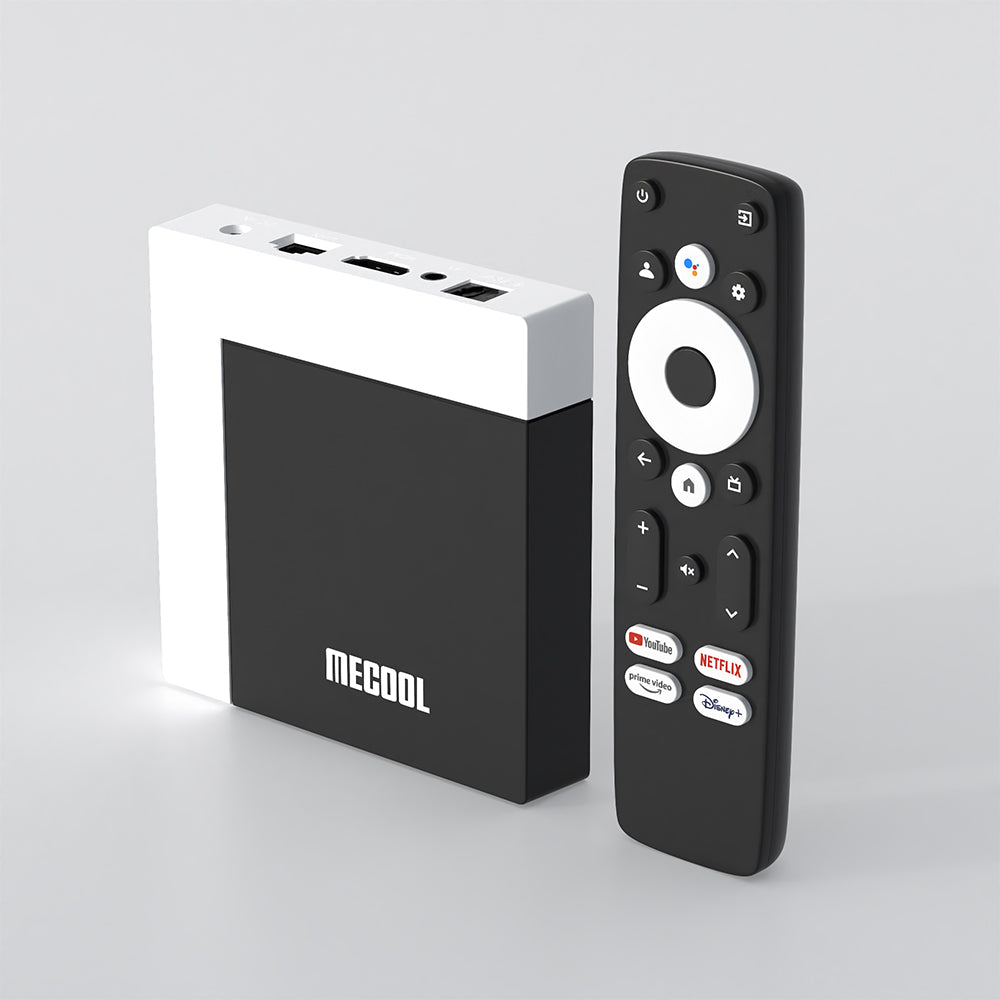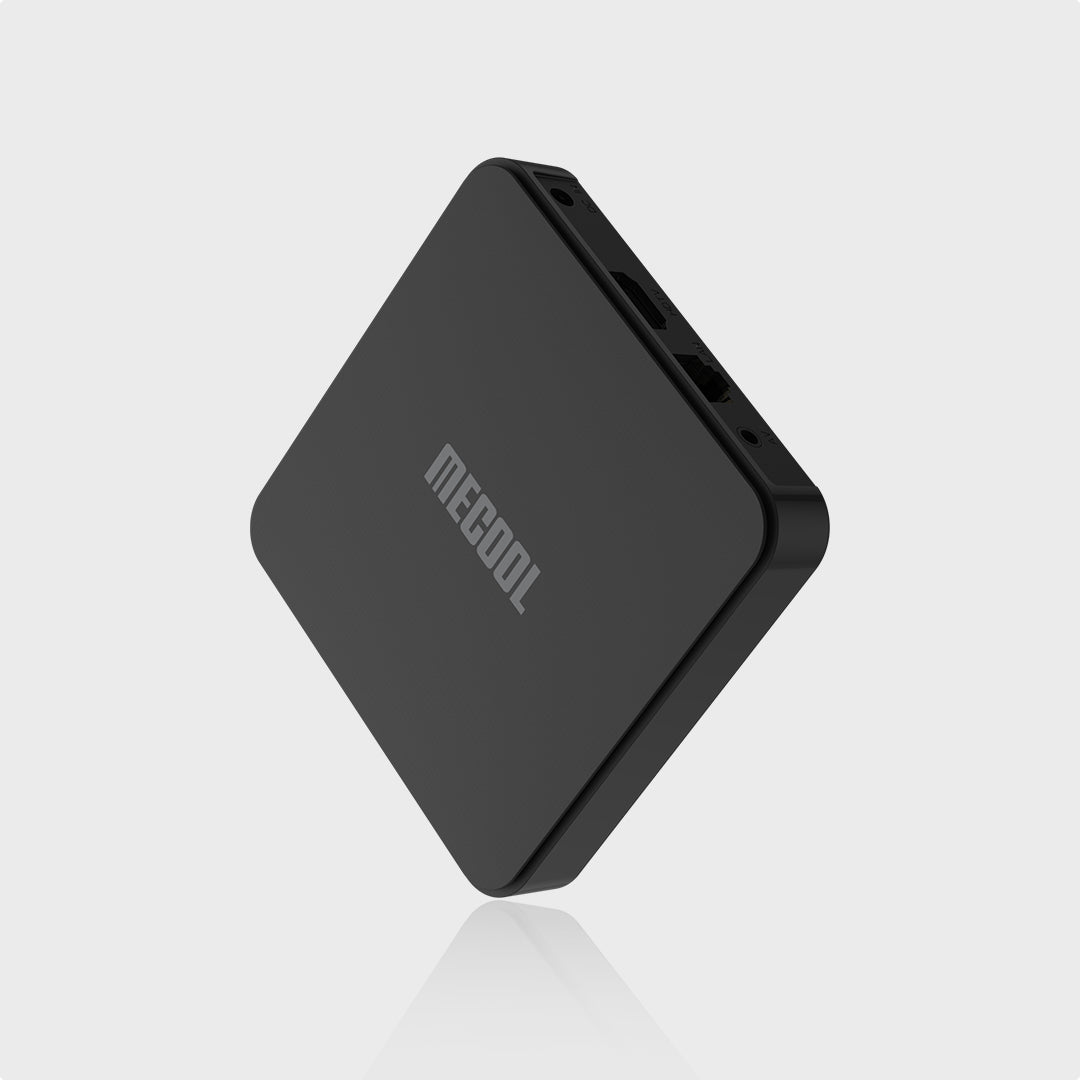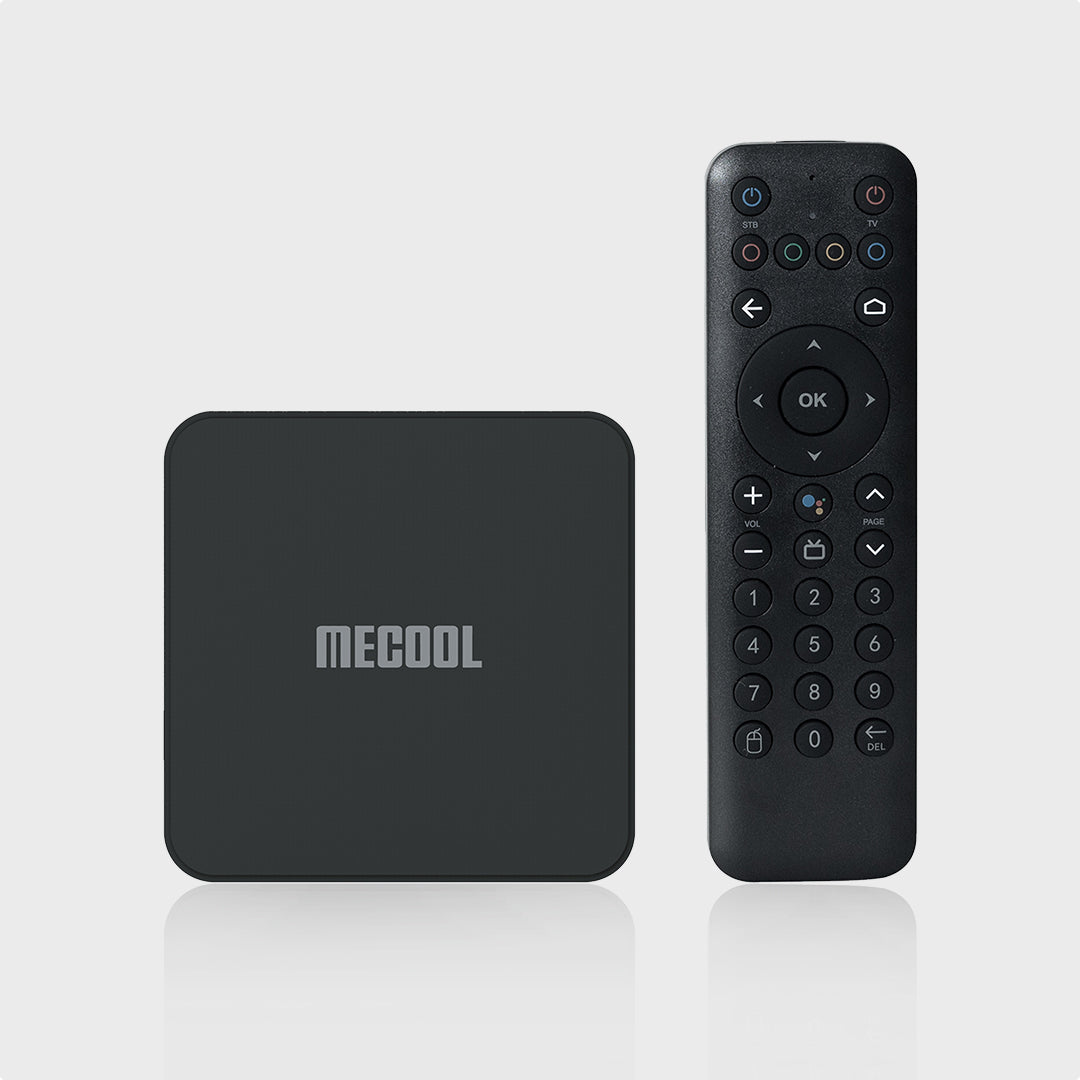
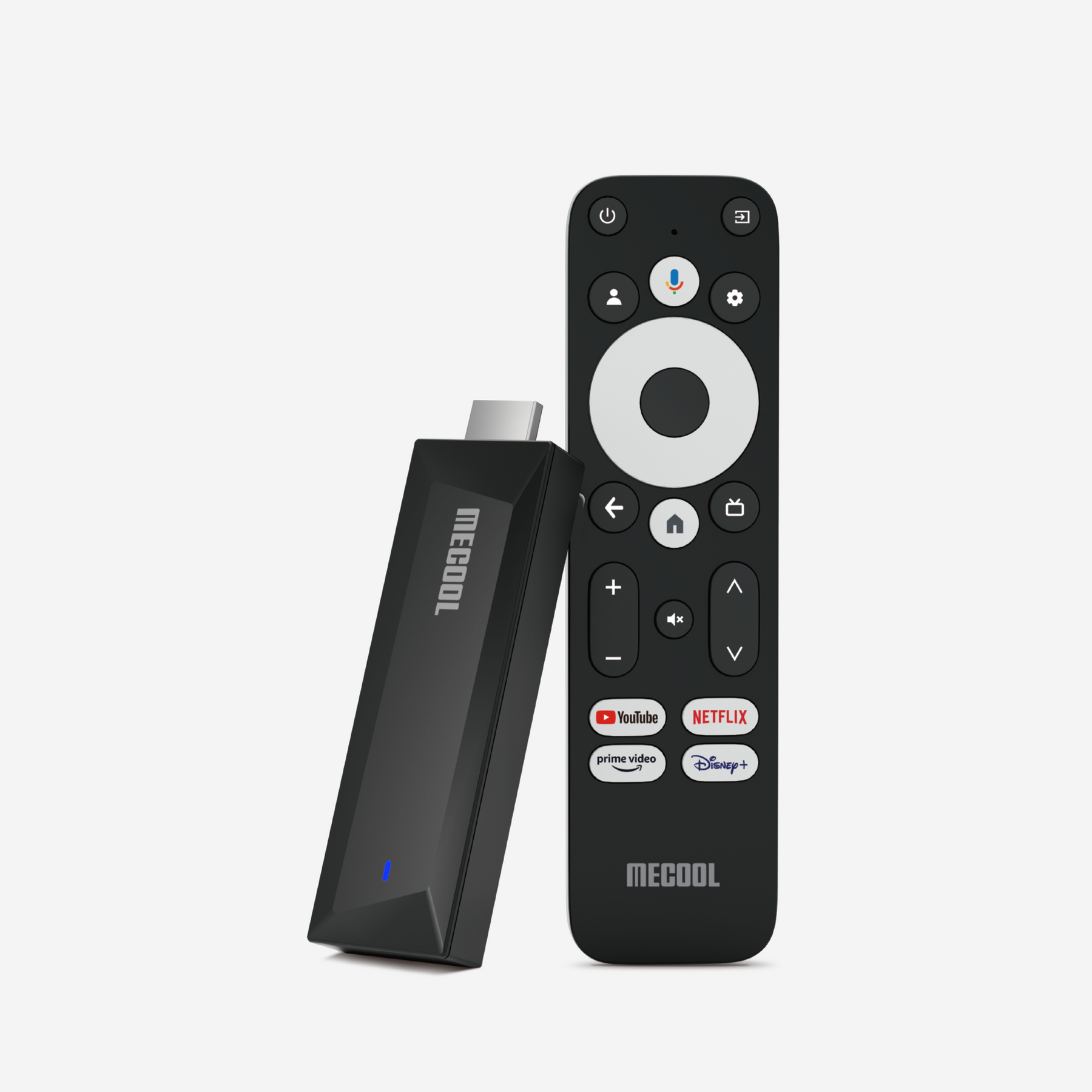
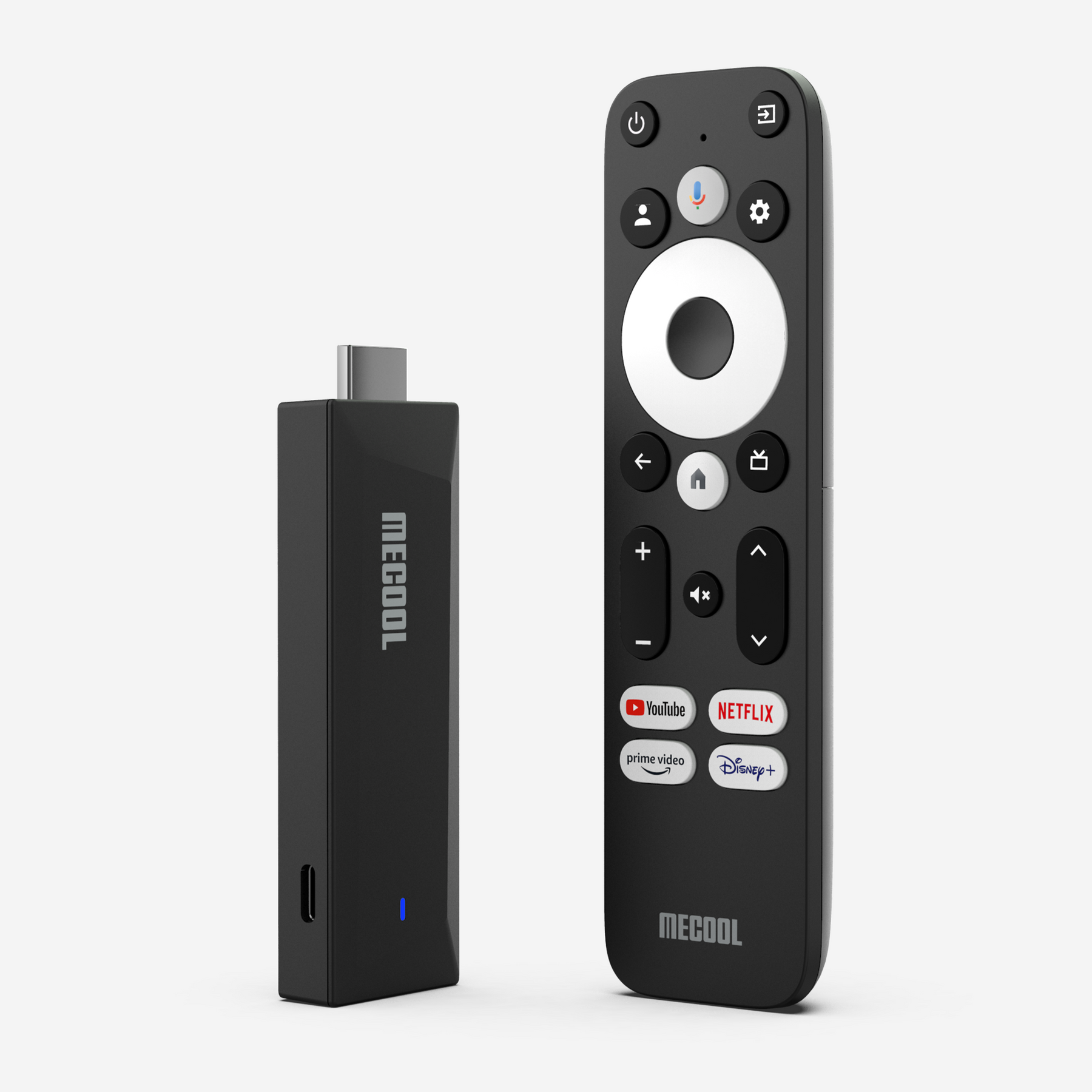
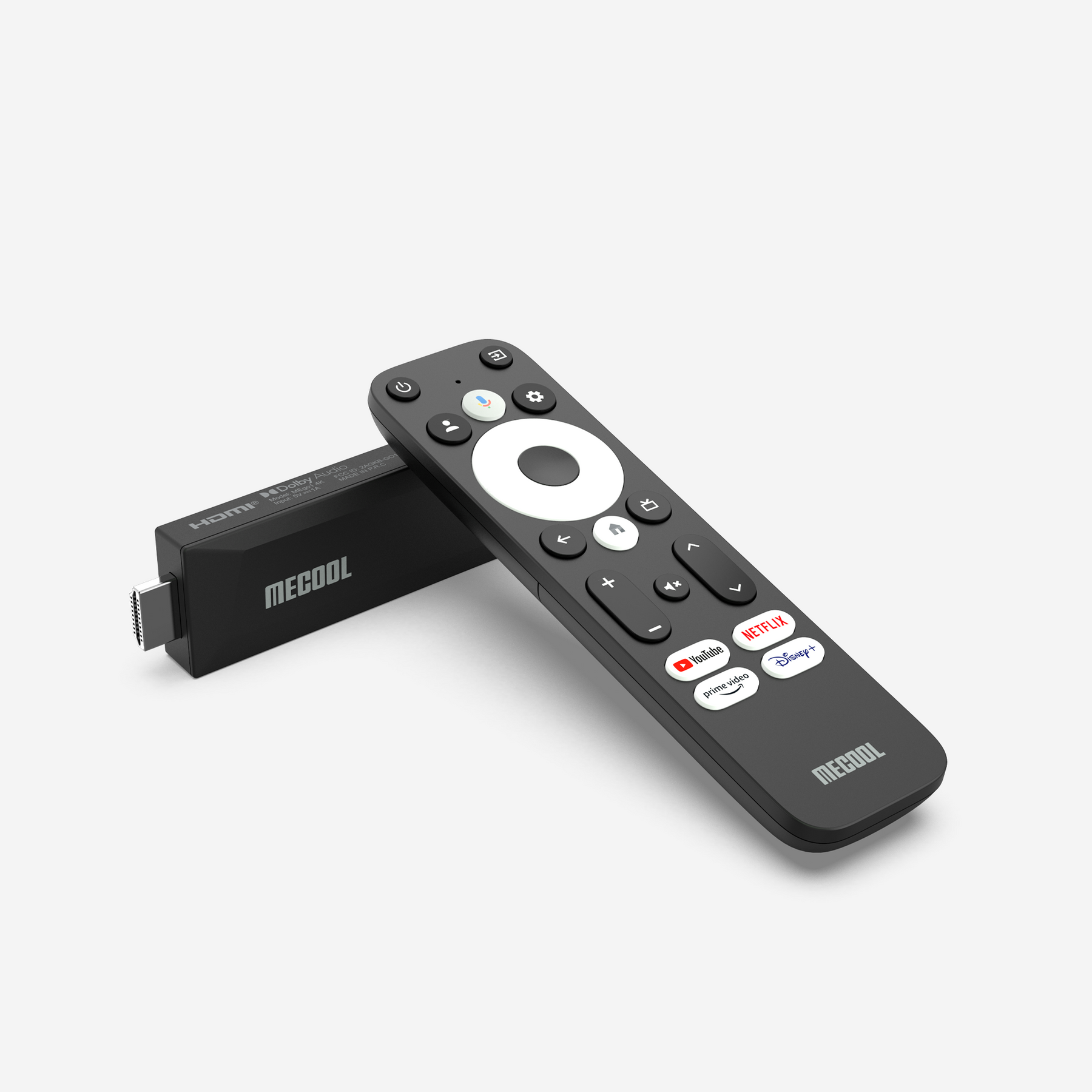
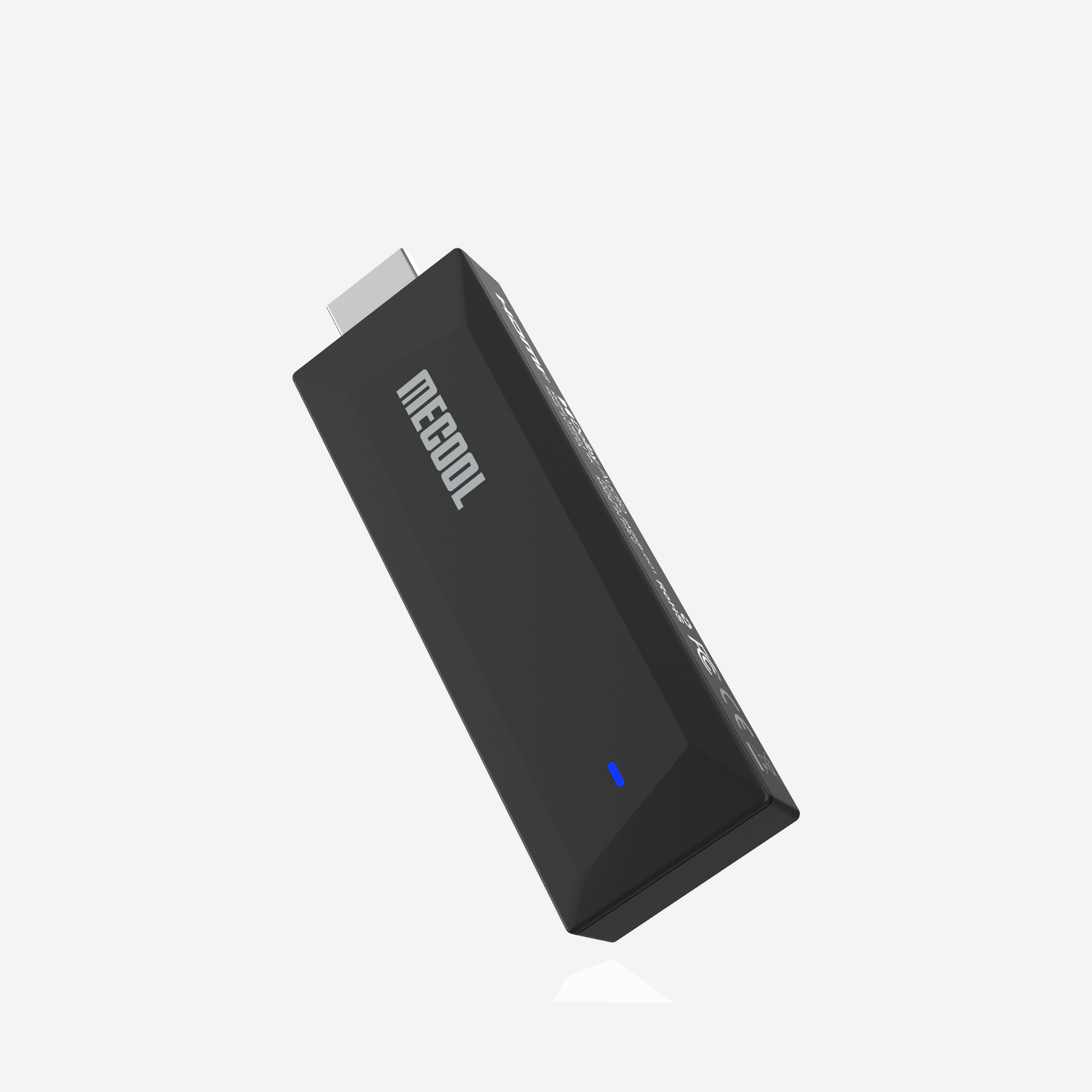
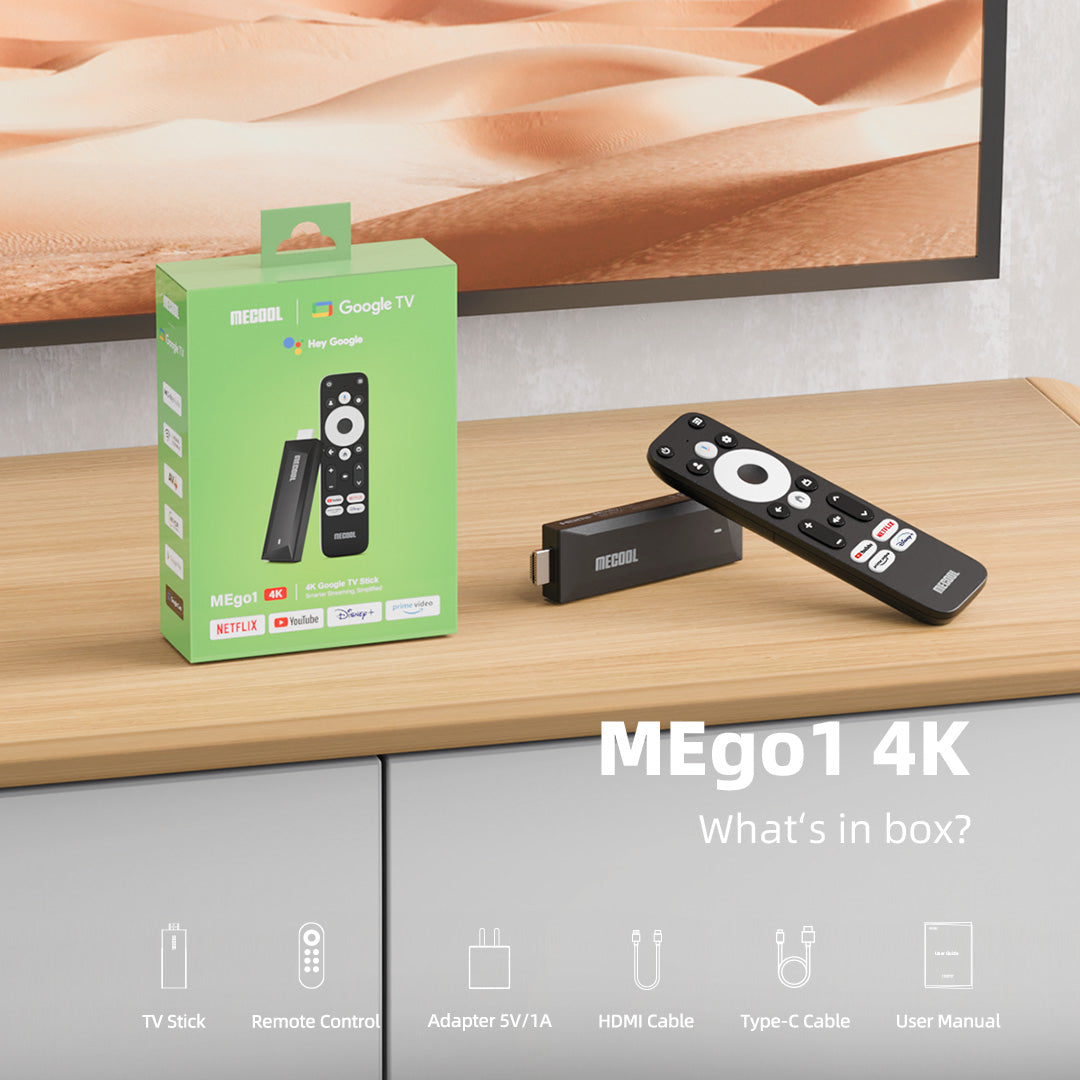
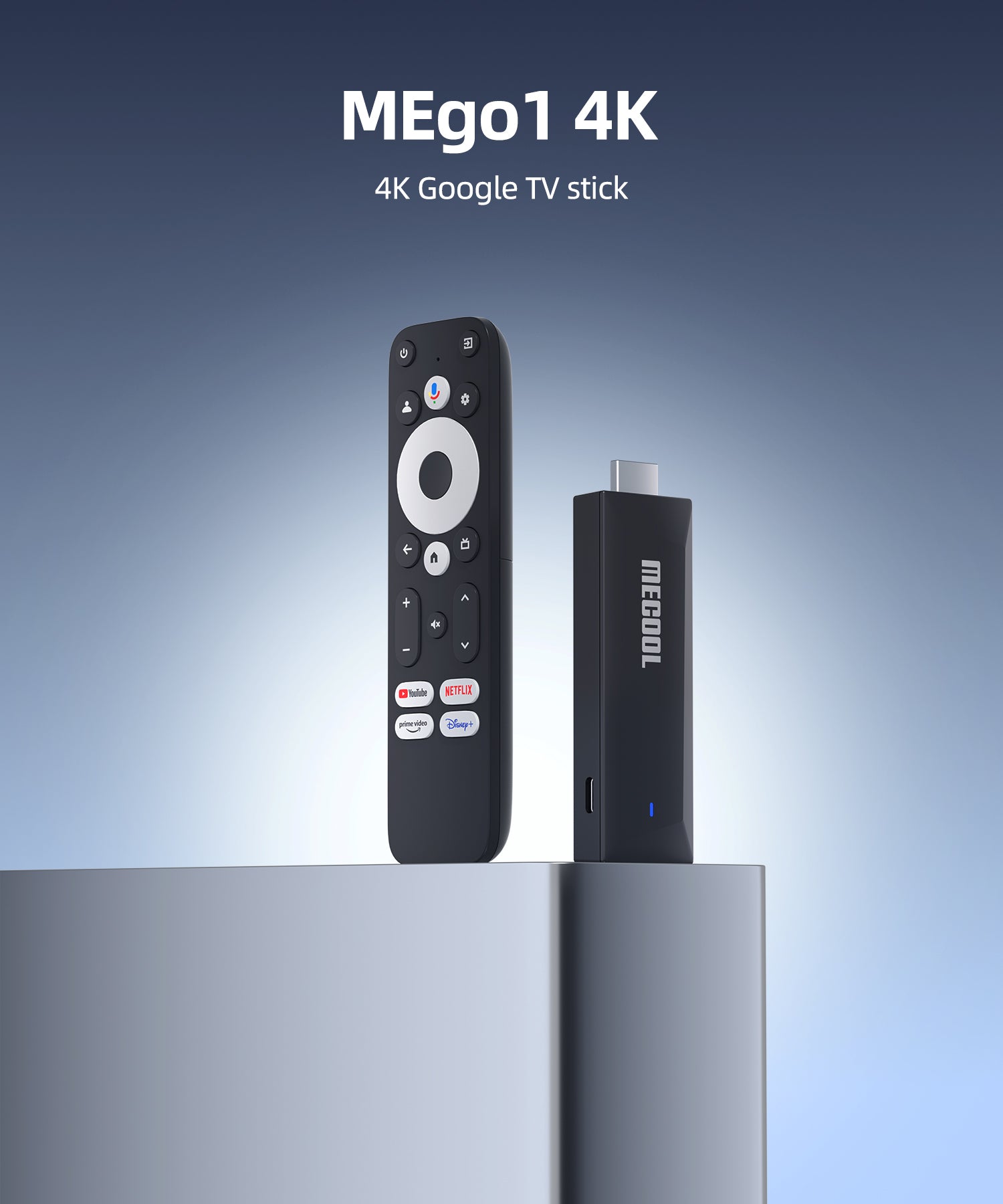
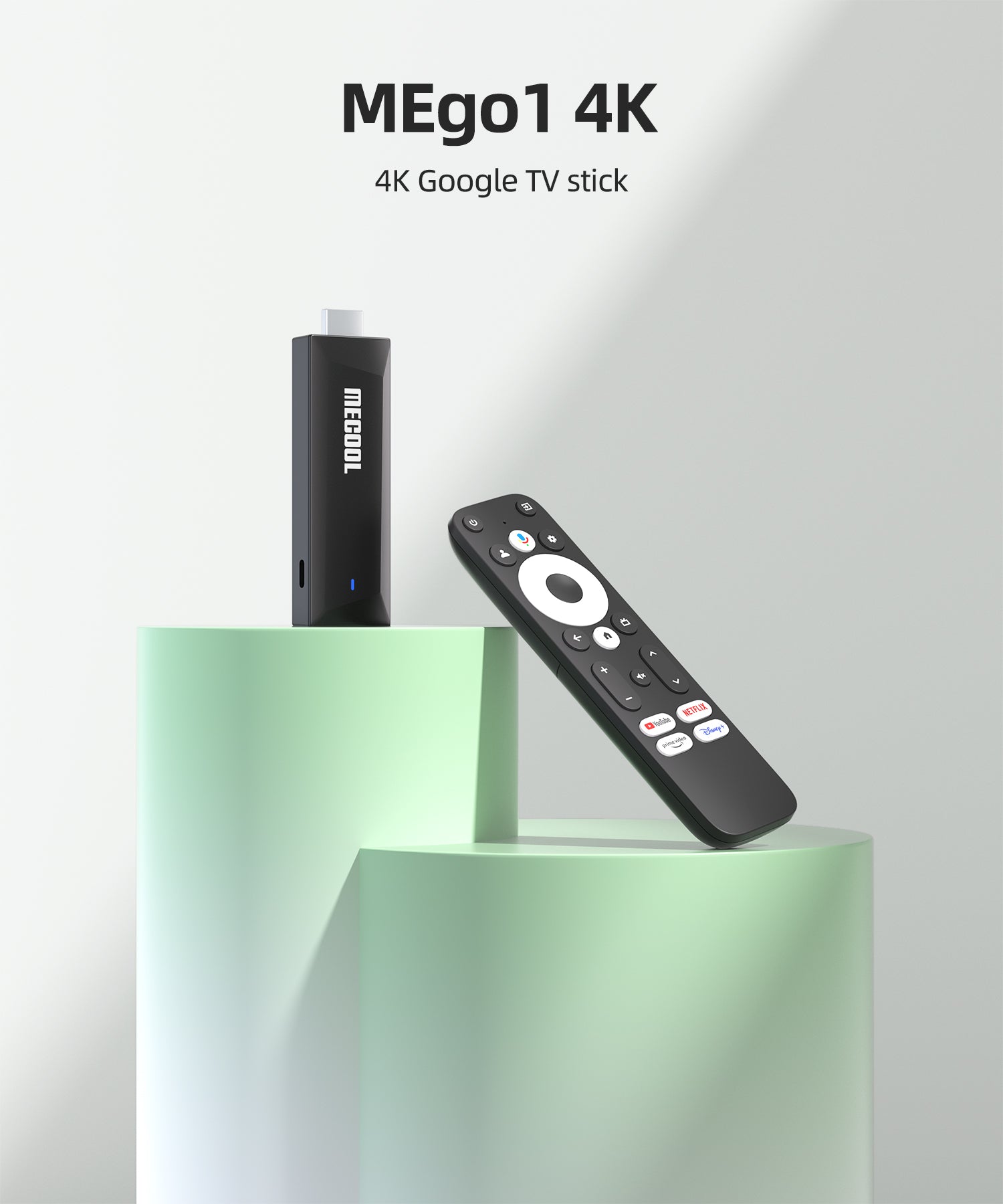
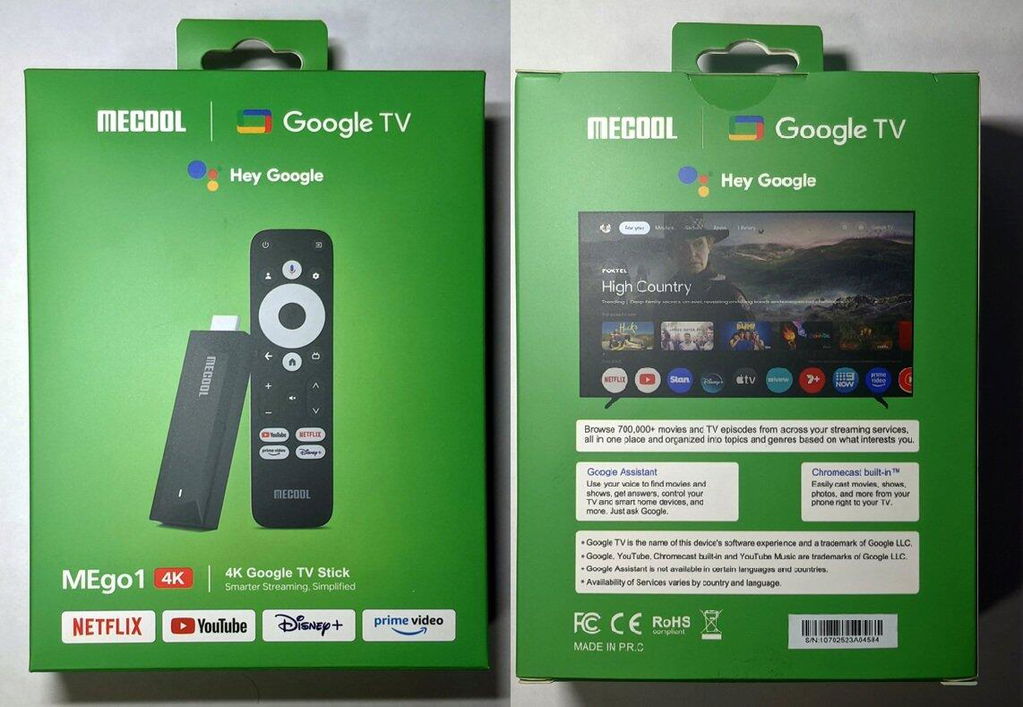
MECOOL MEgo1 4K Google TV Stick
4K Google TV Stick Smarter. MECOOL 2025 Newest Android TV Stick.
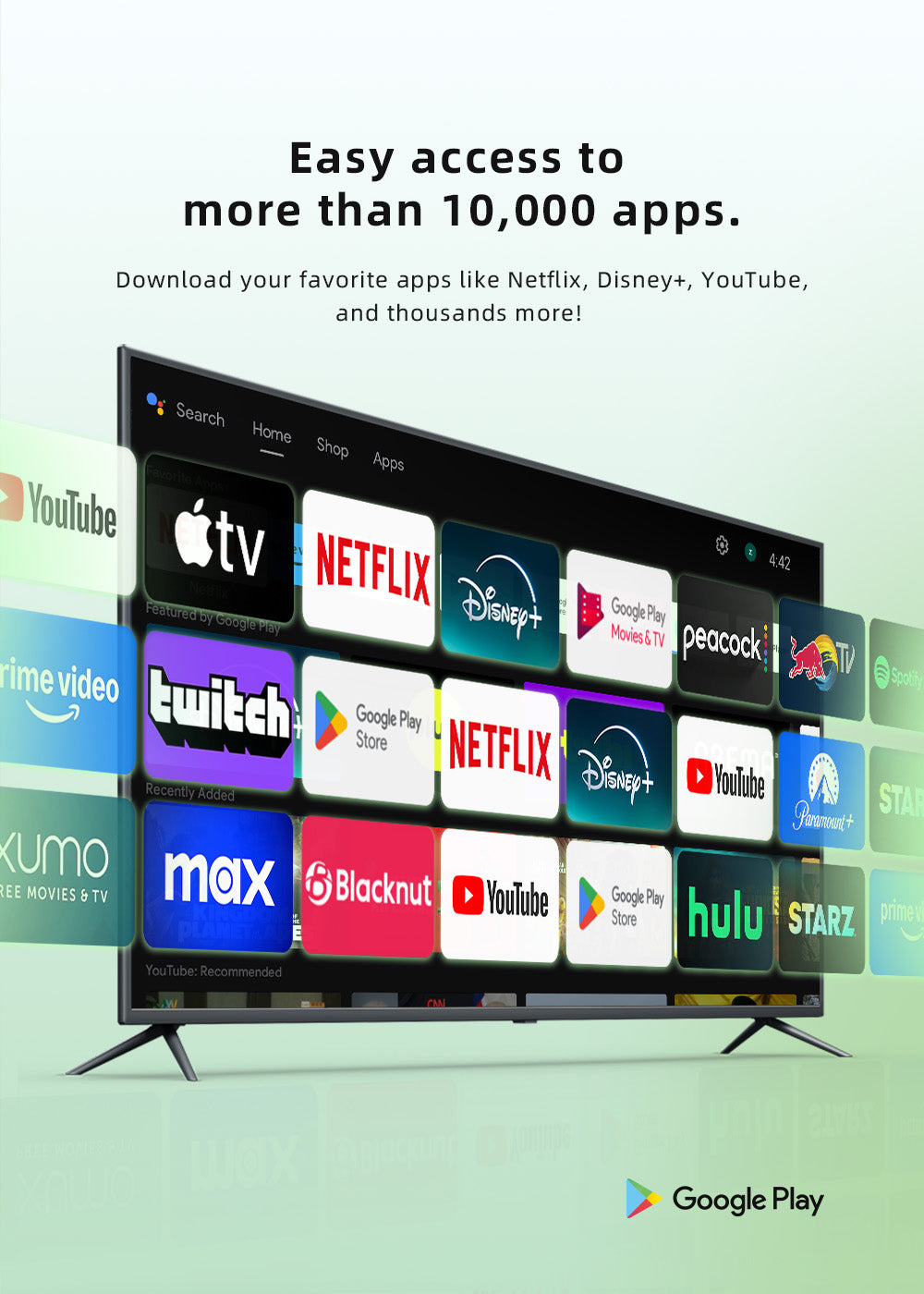
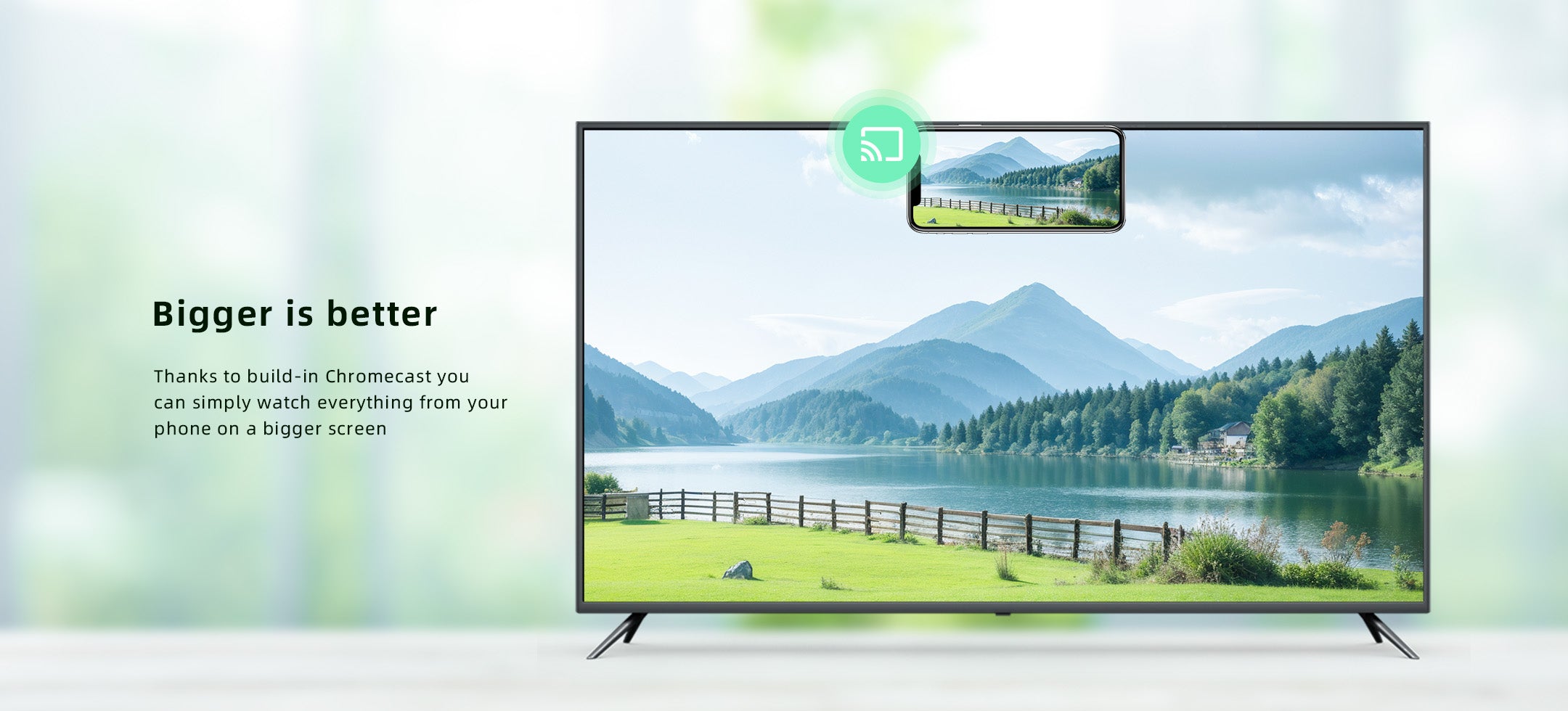
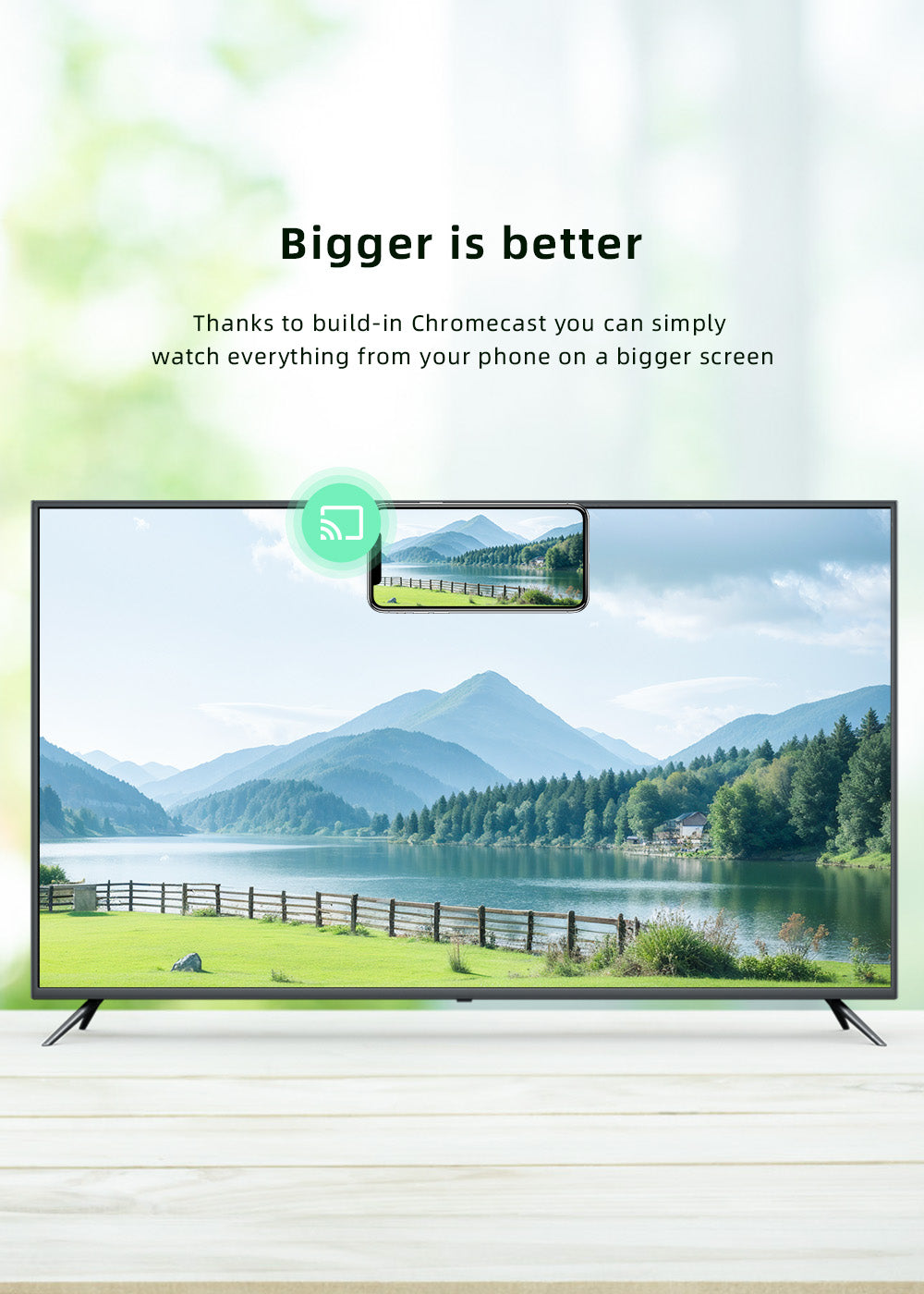
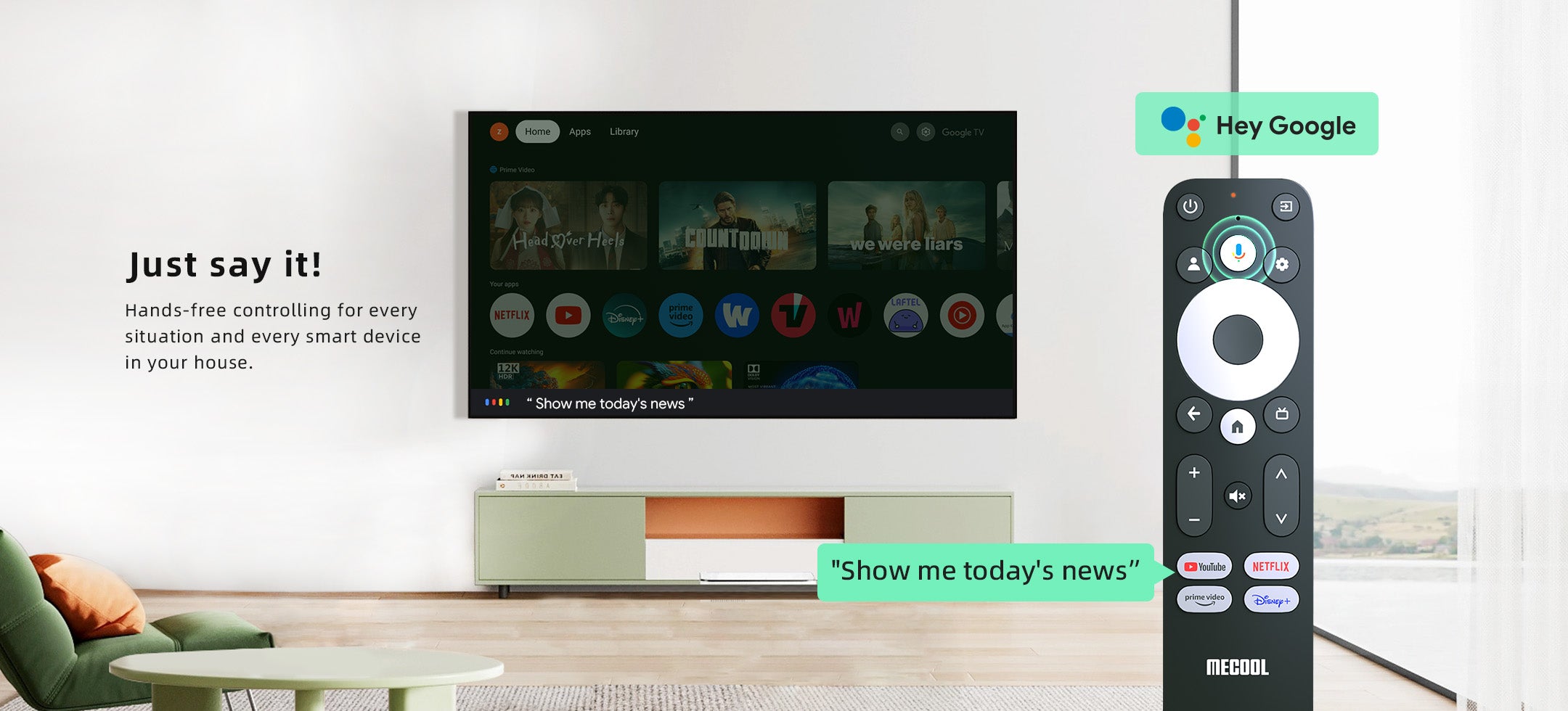
- Official Google TV System: Google Cast, Google Play, Hey Google
- Netflix Certified.
- Stunning 4K High Quality Picture.
- AI-Powered Streaming: Instant Media Switching, Variable Refresh Rate & Ultra-Low Latency.
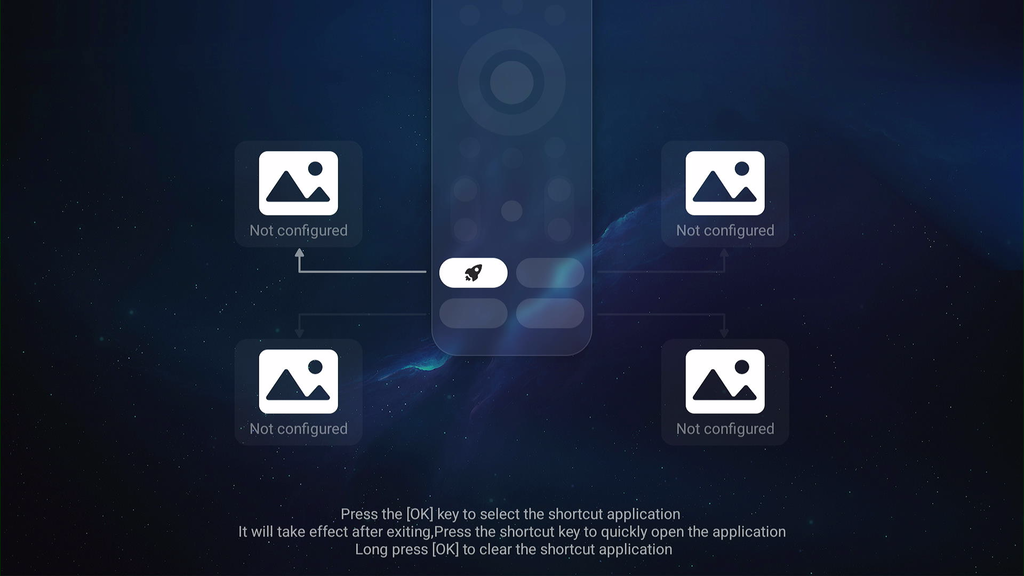
- Control Your TV & Streaming with One Remote

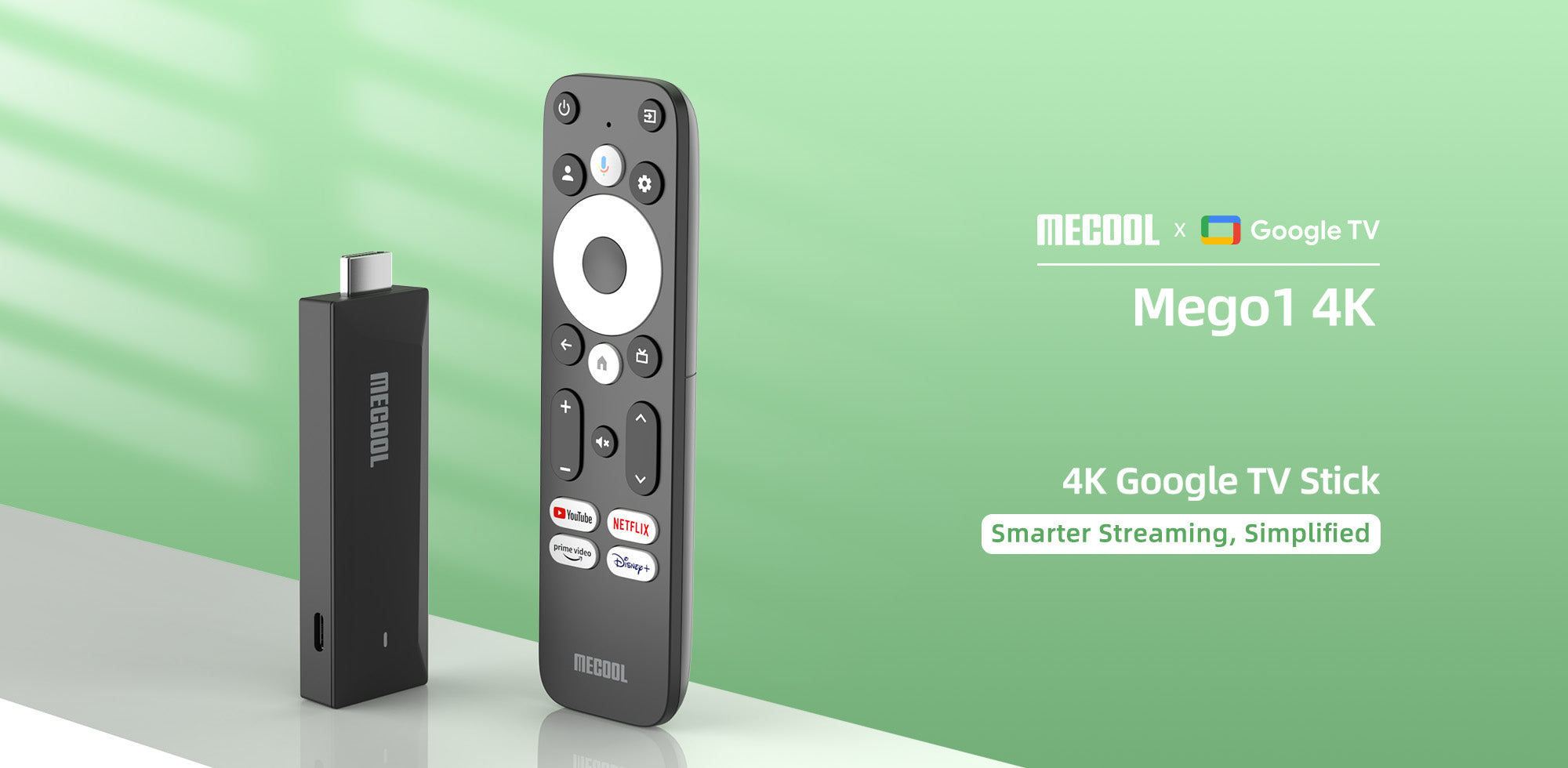
GTV System
Google TV 12 brings your entire digital life together:
• Cast content from your phone
• Access all your Play Store apps
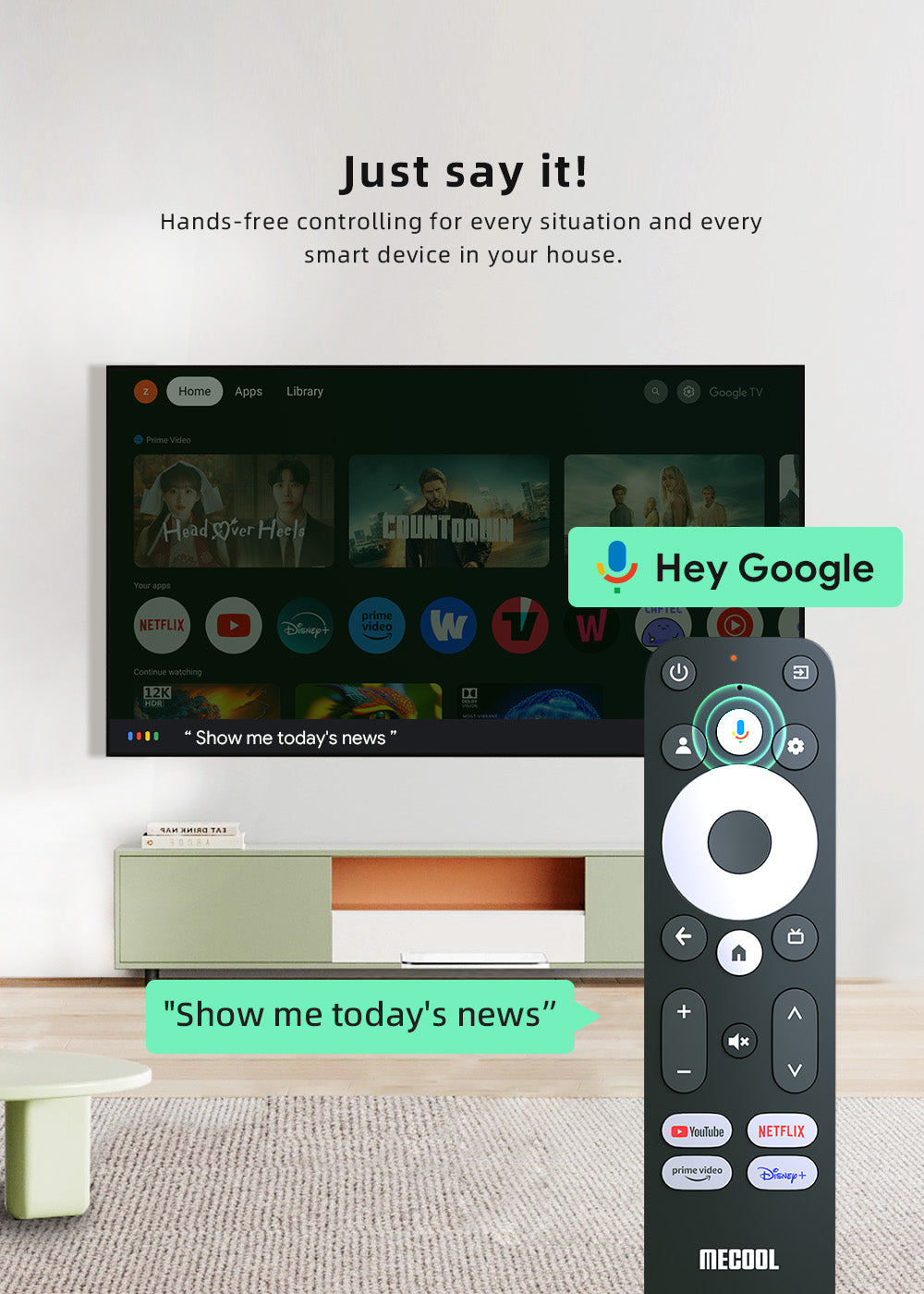
• Control everything by voice
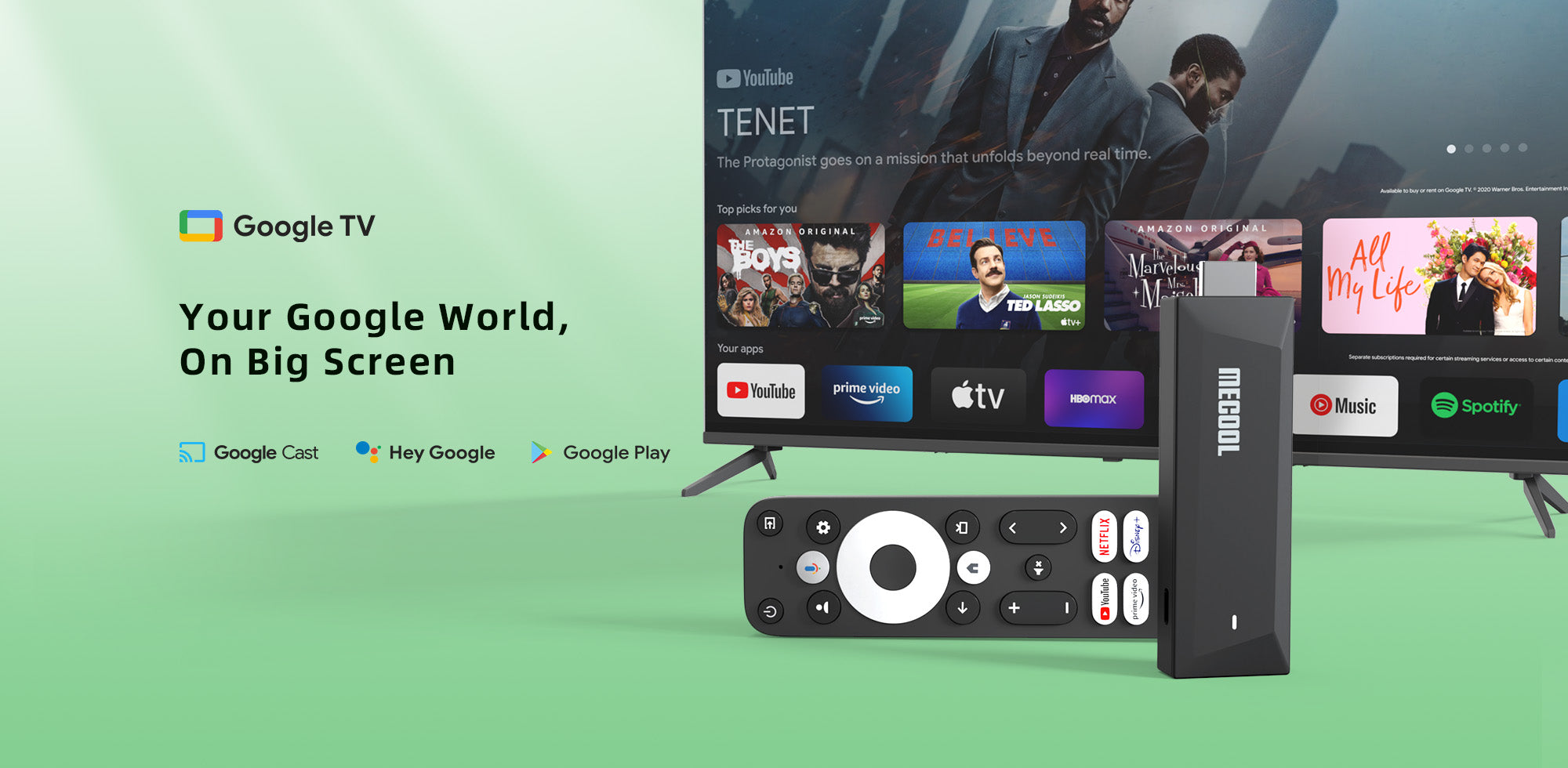
Stunning 4K Streaming
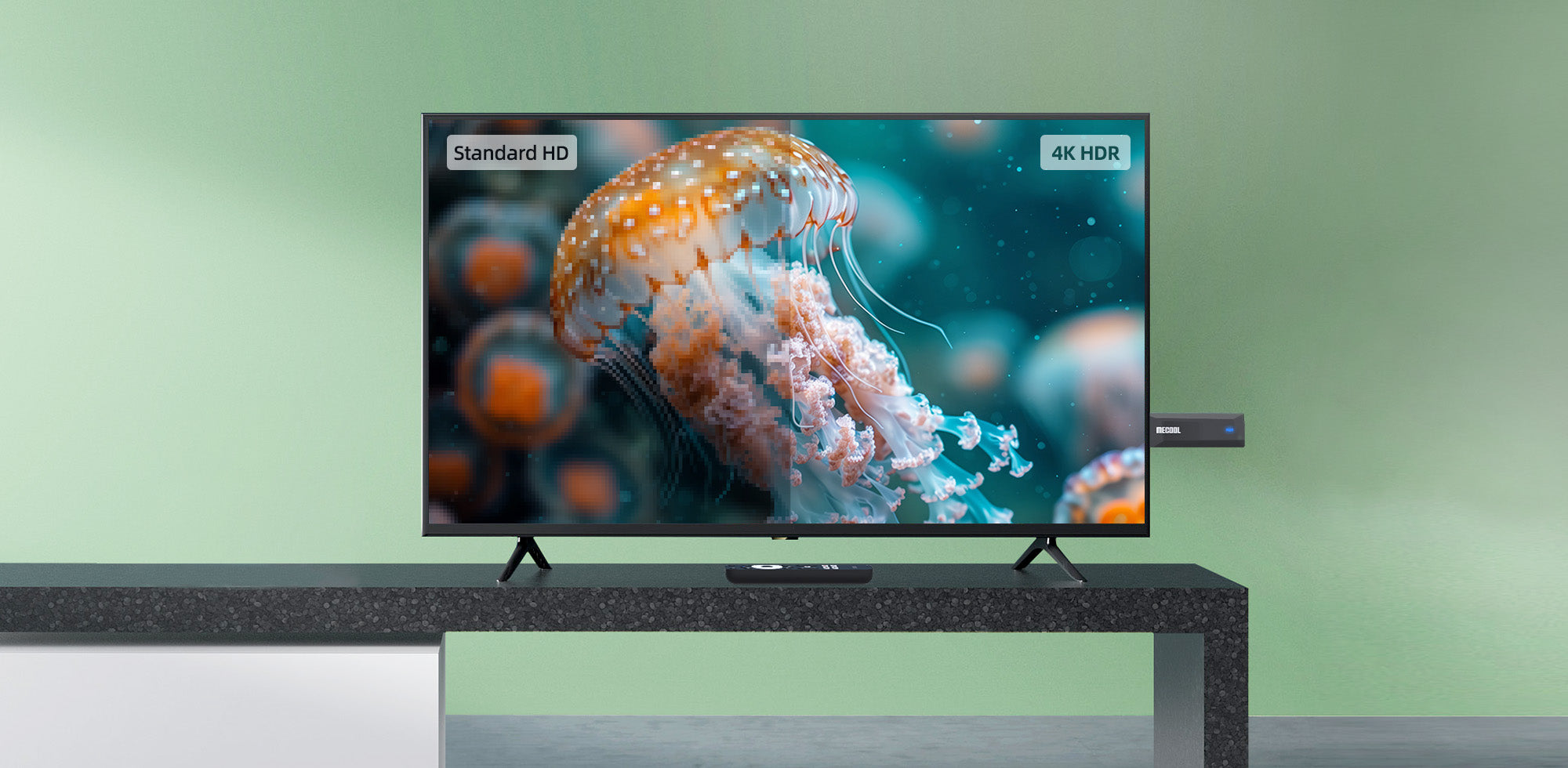
Experience stunning 4K resolution with:
• 4X sharper detail than standard HD
• Vibrant, true-to-life colors that leap off your screen
• Industry-leading HDR & HDR10+ support
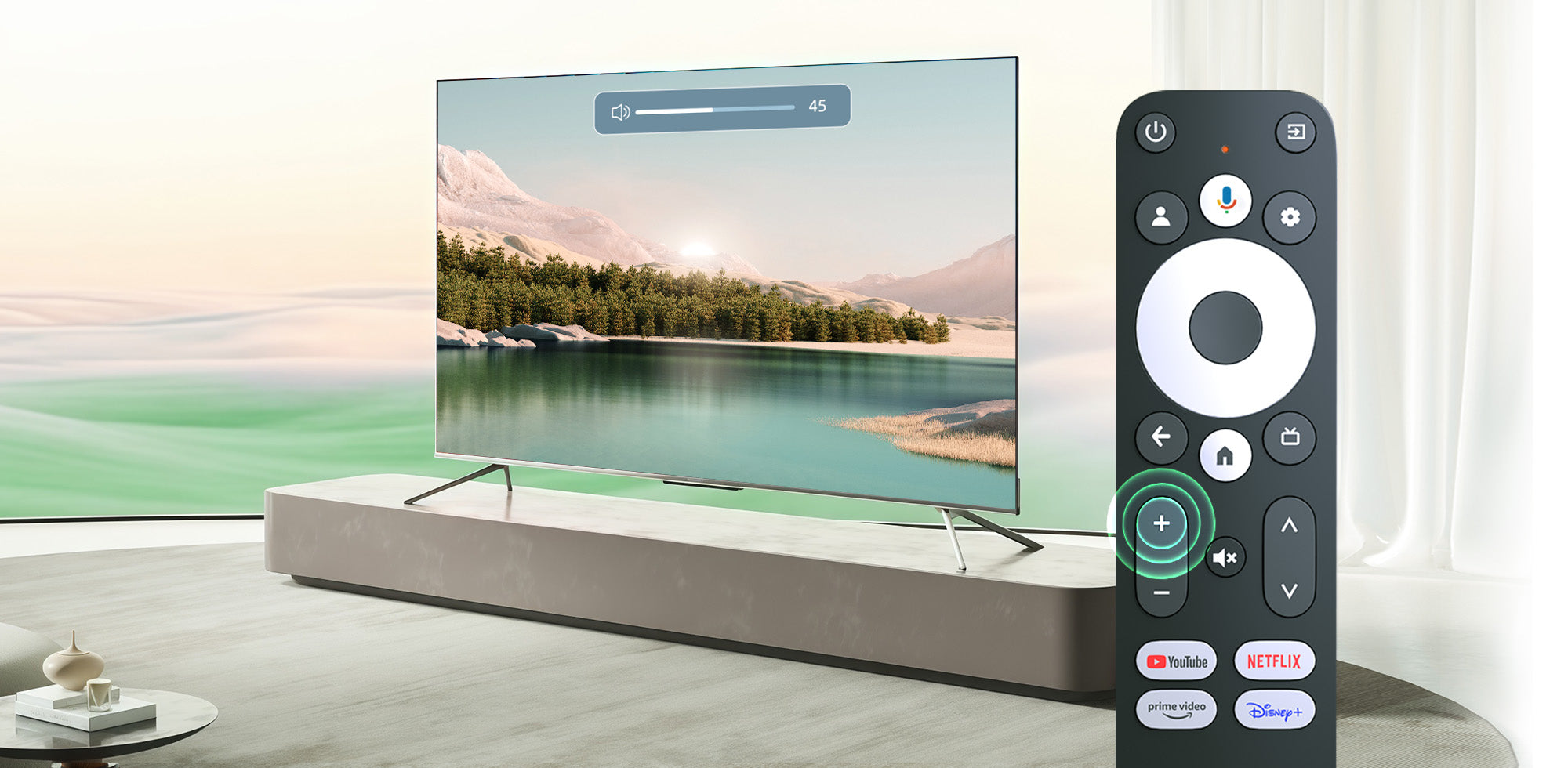
Control Your TV and Streaming in One Hand
Simplifies your life by controlling without juggling remotes.
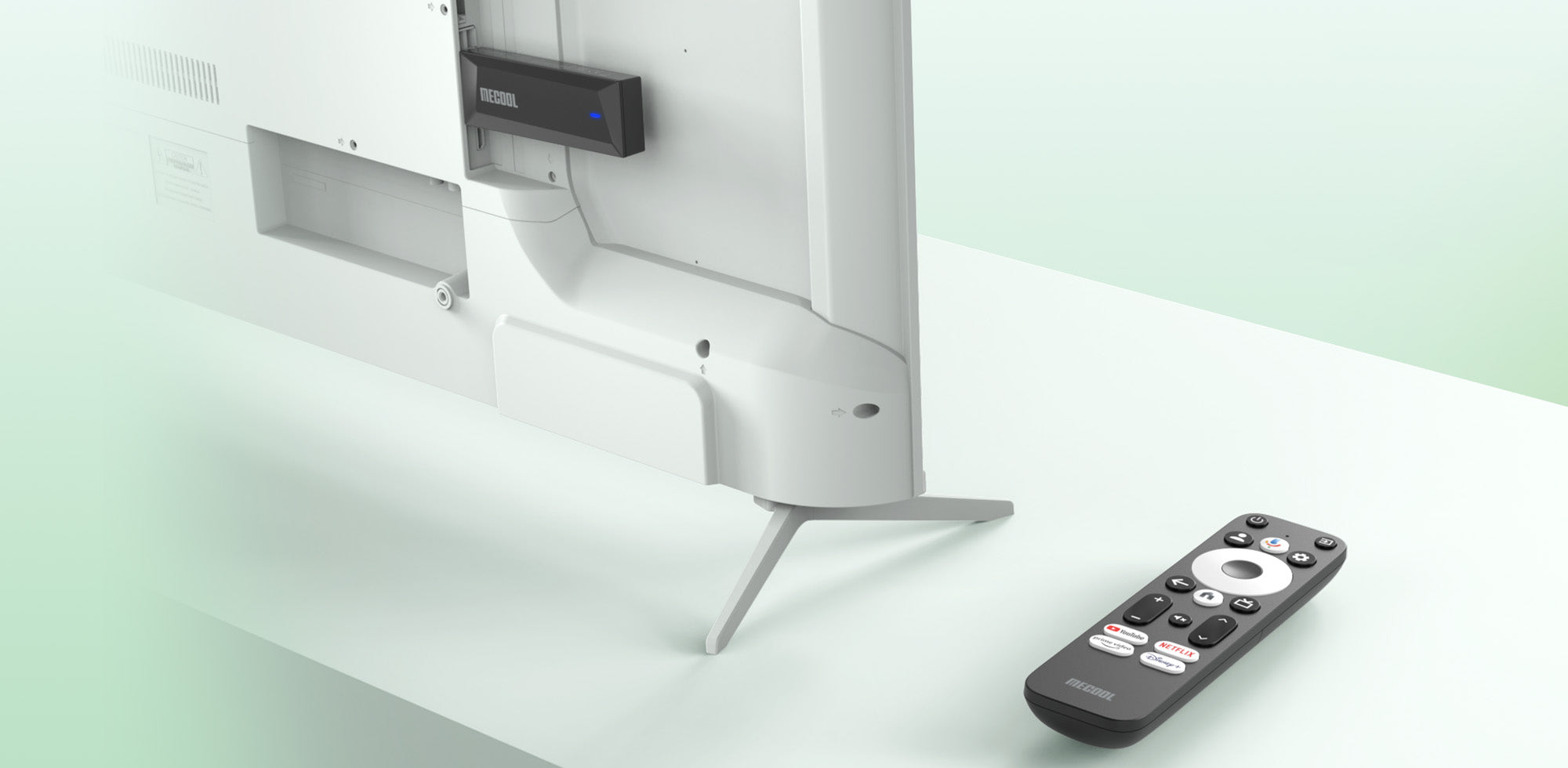
Fits Flush, Works Perfectly
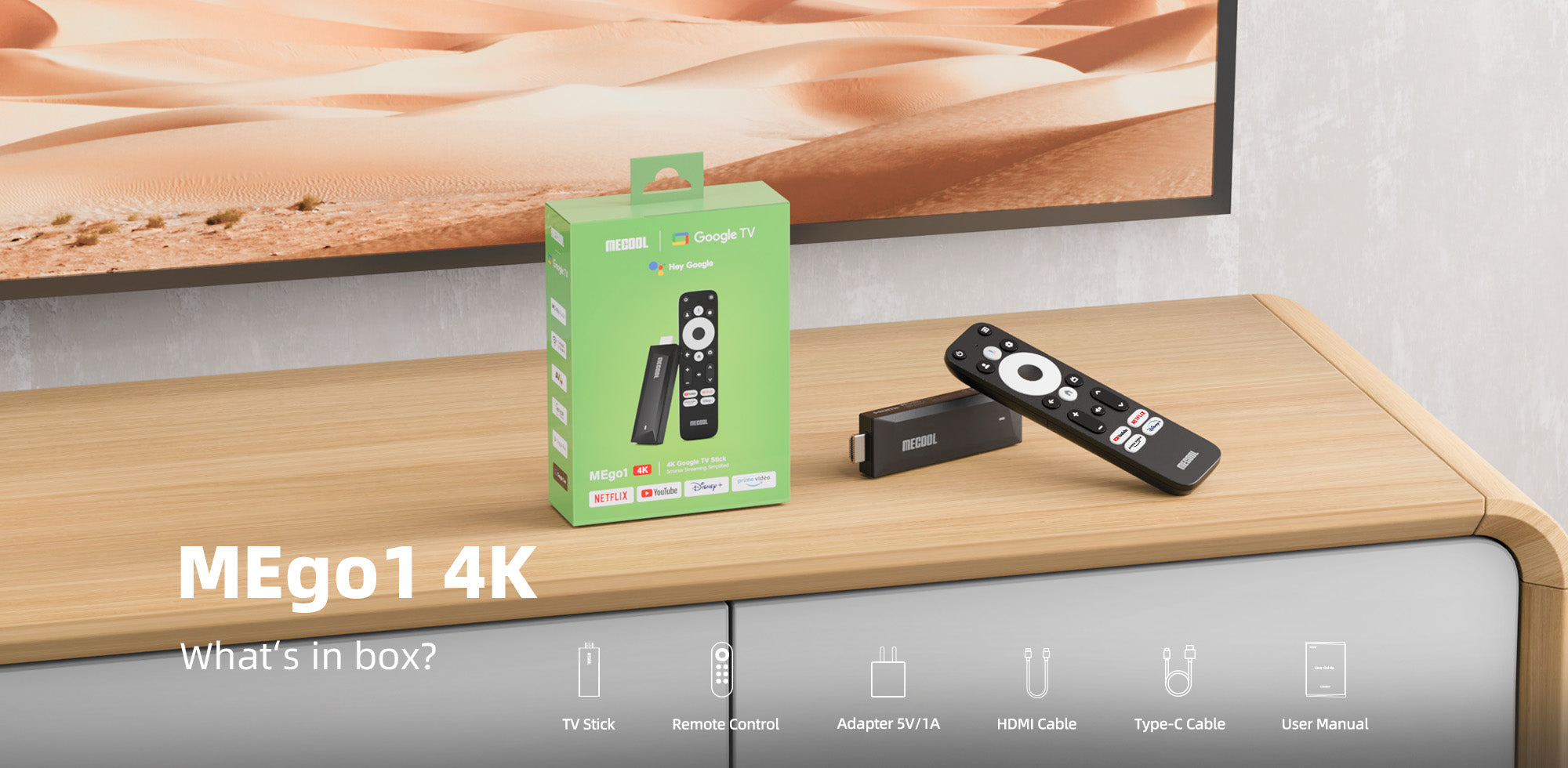
Designed for wall-mounted TVs with zero clearance, our stick tucks neatly behind your screen—no crowding HDMI ports or bulky boxes. Stream and game without tangled cords, leaving your setup sleek and invisible.
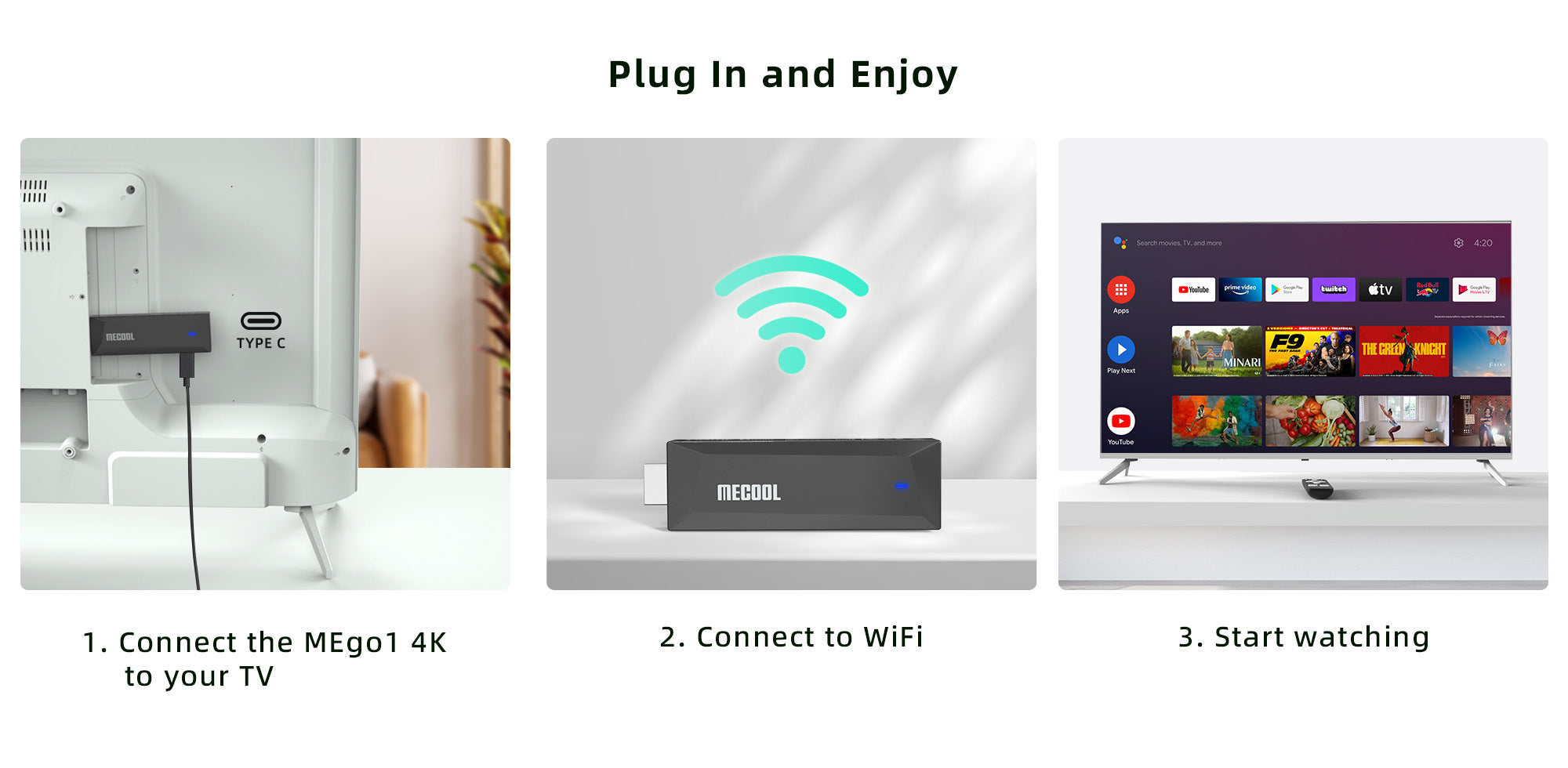
Powerful Features
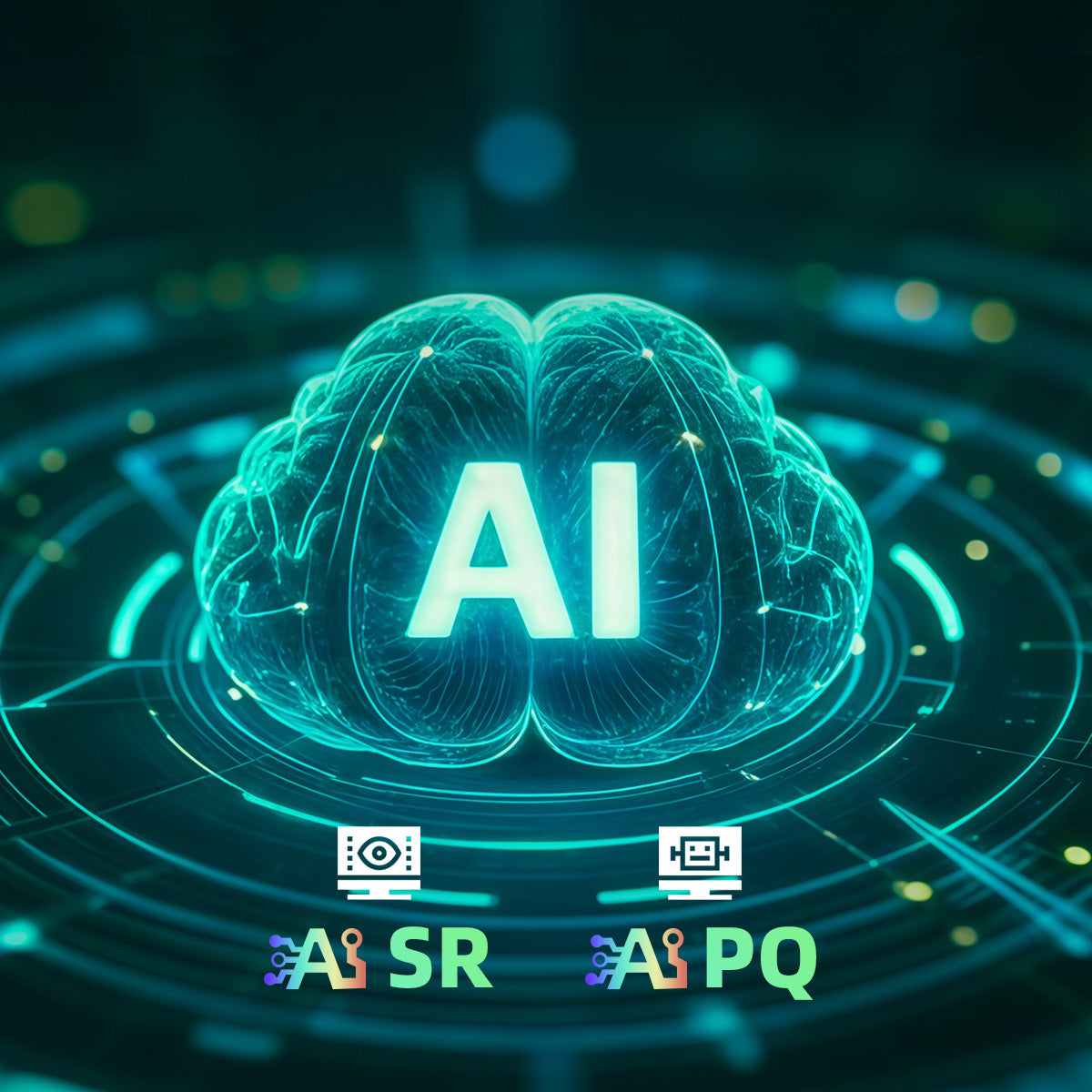
Seamless AI-Powered Streaming.
Instant Media Switching, Variable Refresh Rate & Ultra-Low Latency for Uninterrupted Viewing.
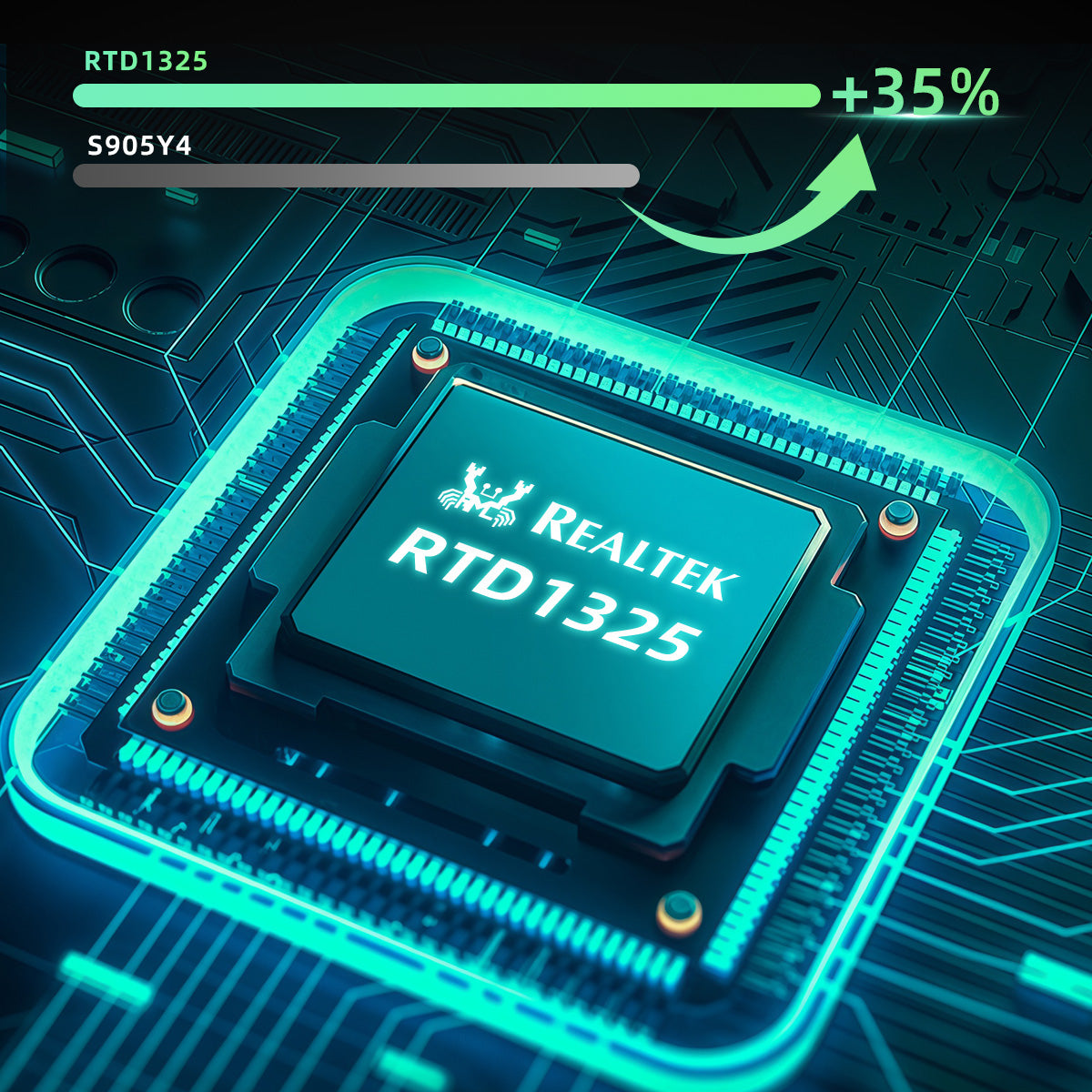
The Ultimate Chip. Intelligence Redefined.
35% Faster Compared to Amlogic S905Y4 . Smoother Than Ever
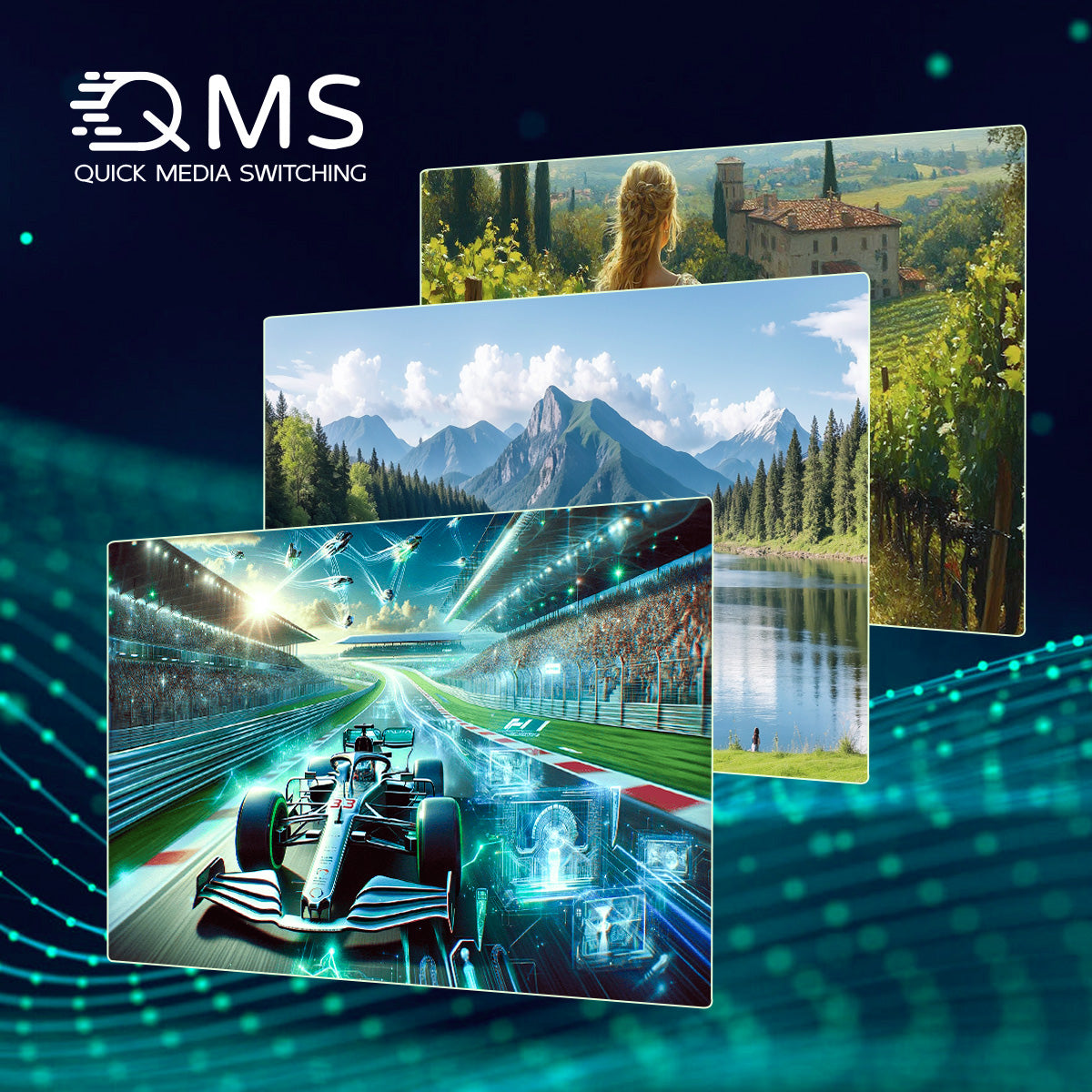
Seamless Streaming, Zero Interruptions.
Meet the TV Stick with Quick Switching & No Black Screen
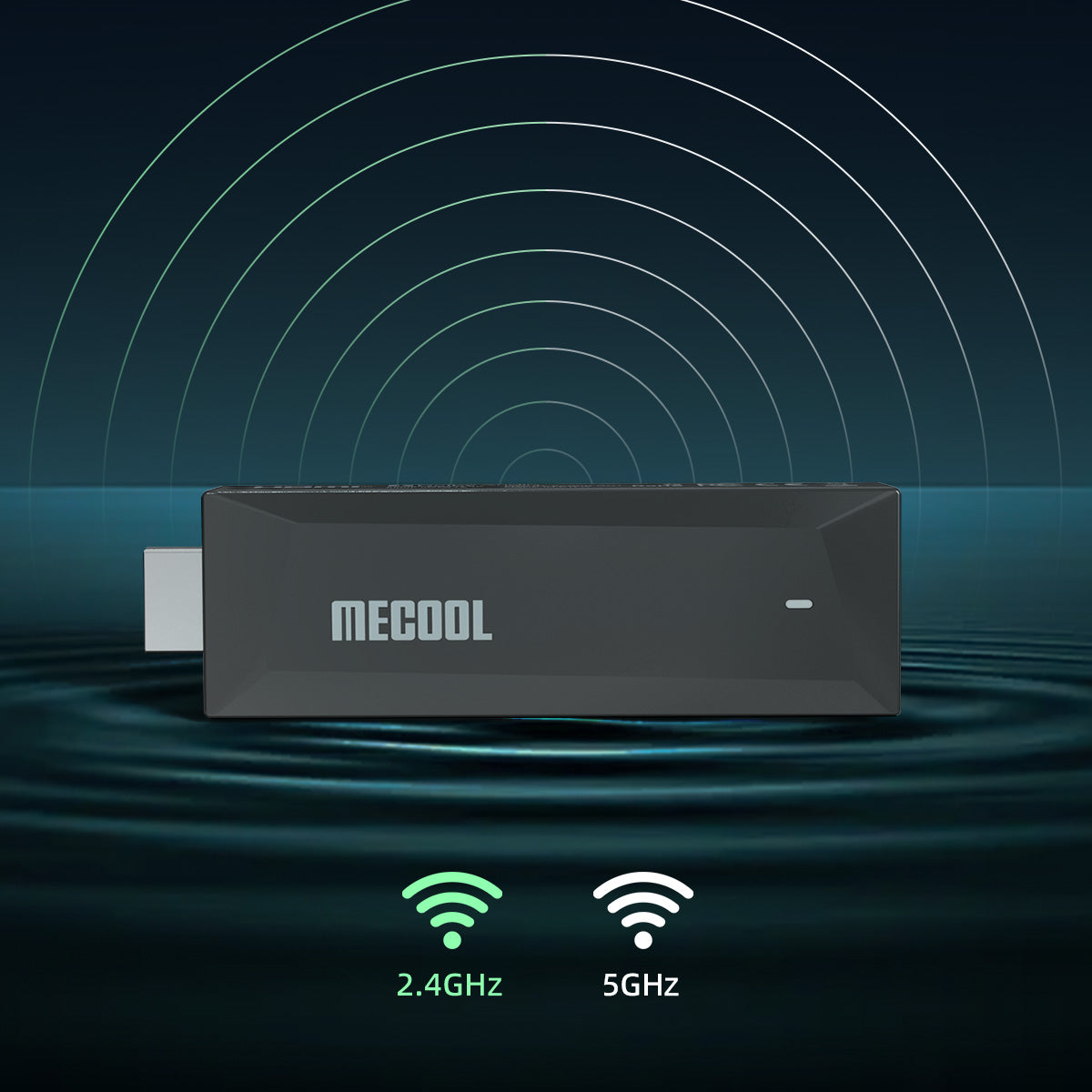
Dual-Band WiFi5 | 2T2R Powerhouse.
Strong Signal, Low Latency, Unstoppable Streaming!
FAQs
- AIPQ (AI Picture Quality): Uses AI to analyze and enhance image quality. This feature is enabled by default and does not have a toggle switch.
- AISR (AI Super Resolution): Uses AI to upscale and improve the resolution of the original picture
In GTV system,user can search applications on the APPs page. If you would like to enter the Google play Store, Here is the steps: Settings--Apps--See all apps--Show system apps--Google Play Store--Open
This function ensures that the video's frame rate matches your monitor's refresh rate. Enabling this provides the best possible viewing experience by reducing motion judder.
Yes, expanding internal storage via external USB is supported on Android 14.
Yes. You can install third-party APKs from a USB drive using a file manager app, though you will need an OTG cable to connect the USB drive to the device.
Gallery
Customer Reviews
MECOOL MEgo1 4K Google TV Stick
A great TV stick! Powerful, fast, excellent image quality, and a great remote.
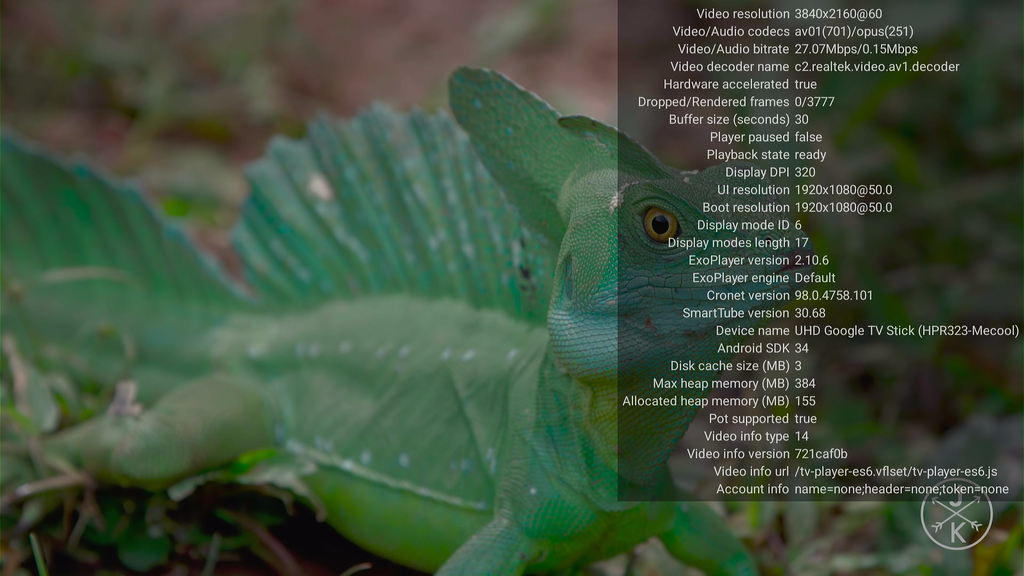
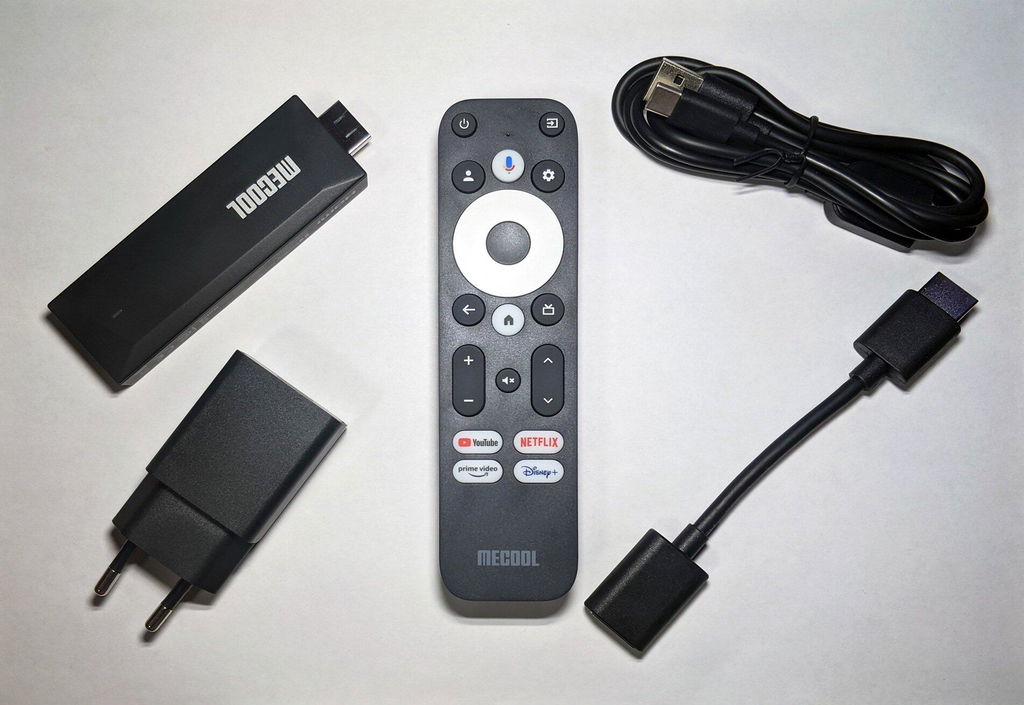
A worthwhile looksee for clients looking to replace a F*stick device. Similar setup as with any Goo*le device. I customized my MEgo1 4k with just a few apps to not tax the processor & adequate memory. As a personal preference I have the device attached to a USB to C ethernet adapter for cat6e hardwire benefit; the playback for 2160p files has been outstanding. ; I found the wifi playback glitchy. 2gb/8gb storage is on par with other devices. Price point in $🇨🇦$ if you get for around $100 is s reasonable
I like it. It came preloaded with Google TV.
He quedado sorprendido, me encantó se ve mejor y es más fluido que el Cromecast 4k Google.
Love the stick. Its turned my 1080p projector into a proper smart TV for my bedroom. My only complaint is the remote, hence only 4 stars, it could do with having number buttons on it.
Very fast bit of kits. Worth the price compared to fire stick. Everything simple to use . Plug and play very impressive
I highly recommend will order a second one